









Complete Gids voor slmgr Opdrachten: Windows Licentie Controleren en Activeren

De Software Licensing Management Tool (slmgr.vbs) is het krachtigste beheerhulpmiddel in Windows 11 en 10 voor IT-beheerders en gevorderde gebruikers. Hiermee controleert u uw exacte licentiekanaal (Retail, OEM of KMS), leest u vervaldatums uit en installeert u nieuwe licentiesleutels.
slmgr.vbs /dlv -> Uitgebreide licentie- en kanaalinformatie tonen
slmgr.vbs /dli -> Beknopte status tonen
slmgr.vbs /xpr -> Controleren of de pc permanent geactiveerd is
slmgr.vbs /ipk <sleutel> -> Nieuwe 25-cijferige licentie installeren
slmgr.vbs /ato -> Online activering bij Microsoft forceren
slmgr.vbs /upk -> Actieve productcode de-installeren
slmgr.vbs /rearm -> Activeringstimer en respijttijd resetten
slmgr.vbs /dli -> Beknopte status tonen
slmgr.vbs /xpr -> Controleren of de pc permanent geactiveerd is
slmgr.vbs /ipk <sleutel> -> Nieuwe 25-cijferige licentie installeren
slmgr.vbs /ato -> Online activering bij Microsoft forceren
slmgr.vbs /upk -> Actieve productcode de-installeren
slmgr.vbs /rearm -> Activeringstimer en respijttijd resetten
Stap Over op een Levenslange Retaillicentie
Volledig overdraagbaar naar nieuwe pc’s en ondersteund door Microsoft.
Koop Windows 11 Pro Nu →
Gerelateerde berichten

Los Windows Fout 0x80041023 Op: De Ingevoerde Productcode Bestaat Niet
Windows fout 0x80041023 geeft aan dat de ingevoerde productcode niet overeenkomt met de geïnstalleerde editie, of dat de fabr...
Los Fout 0x800704cf Op: “U Hebt Internet Nodig Voor Dit Onderdeel”
Windows activeringsfout 0x800704cf ("U hebt internet nodig voor dit onderdeel") verschijnt zelfs wanneer uw webbrowser perfec...

Los Windows Activeringsfout 0x80072F8F Op (Beveiliging en Tijdssynchronisatie)
Windows activeringsfout 0x80072F8F treedt op wanneer de pc geen beveiligde SSL/TLS-verbinding kan leggen met Microsoft. In 90...
Los Windows Activeringsfout 0xC004C060 Op (MAK Licentielimiet Bereikt)
Windows activeringsfout 0xC004C060 ontstaat wanneer Microsofts activeringsservers vaststellen dat de licentiesleutel op uw pc...
Waarom uw Windows steeds wordt gedeactiveerd en hoe u dit oplost (2026 Fix)
Inhoudsopgave
Direct Antwoord: Waarom gebeurt dit?
De 3 Hoofdoorzaken van Windows Deactivering
...
Windows Activering resetten en opnieuw instellen (slmgr /rearm Gids)
Inhoudsopgave
Wat doet slmgr /rearm eigenlijk?
Stap 1: Open de Opdrachtprompt als Administrator
...
Hoe u het watermerk “Windows activeren” van uw bureaublad kunt verwijderen
Inhoudsopgave
Waarom staat het watermerk daar?
Tijdelijke oplossingen (Waarom ze niet blijvend zijn)...
Waarom zegt mijn Windows-sleutel “Deze productsleutel is al in gebruik”?
Inhoudsopgave
Wat veroorzaakt de fout "Al in gebruik"?
Scenario 1: Recente hardwarewijzigingen
...
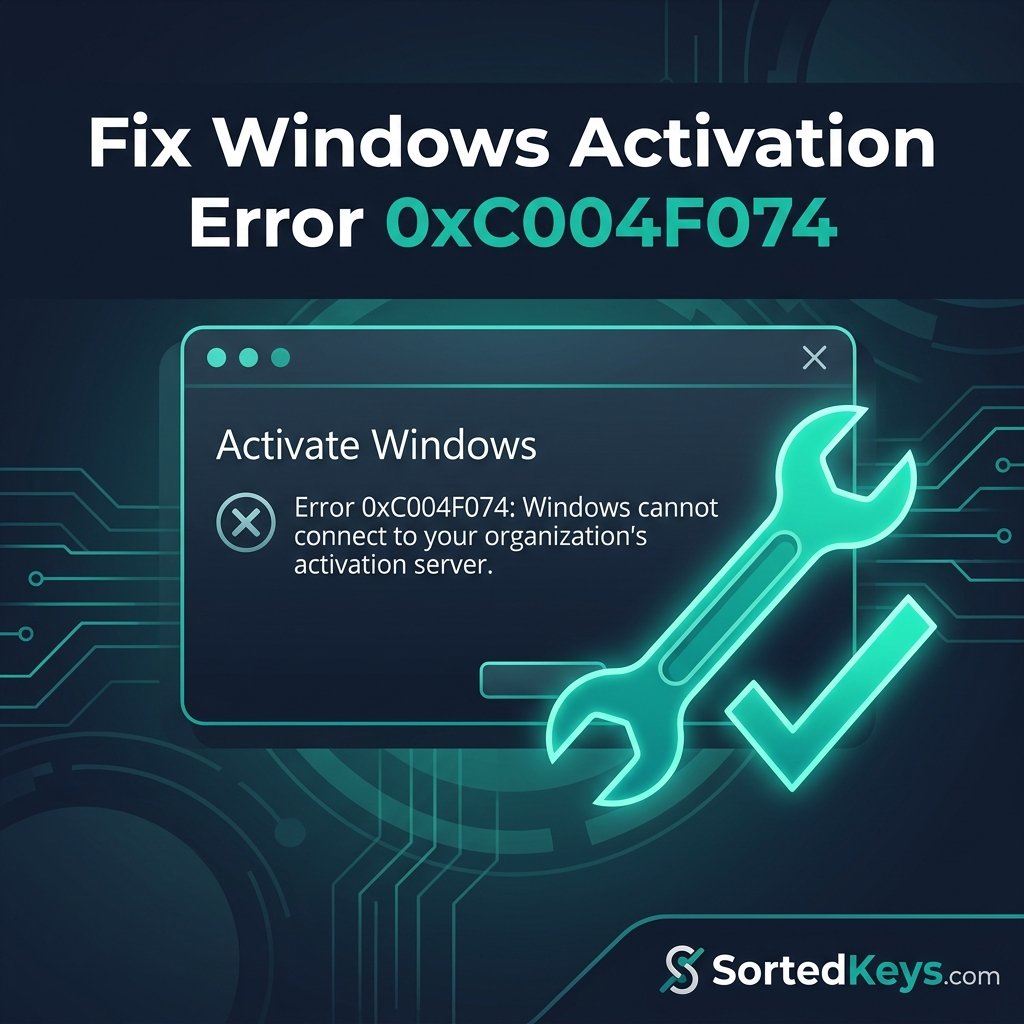
Hoe Windows activeringsfout 0xC004F074 op te lossen: De complete gids
Snel antwoord: Fout 0xC004F074 treedt op wanneer Windows geen contact kan maken met de Key Management Service ...
Los de fout “Windows is niet geactiveerd” op: De complete gids
Snel antwoord: De fout "Windows is niet geactiveerd" treedt meestal op als gevolg van hardwarewijzigingen, pro...
Windows 11 voor de eerste keer instellen (Dutch)
Kijkt u naar het gloednieuwe "Out of Box Experience" (OOBE) scherm en vraagt u zich af hoe u Windows 11 voor de eerste keer m...