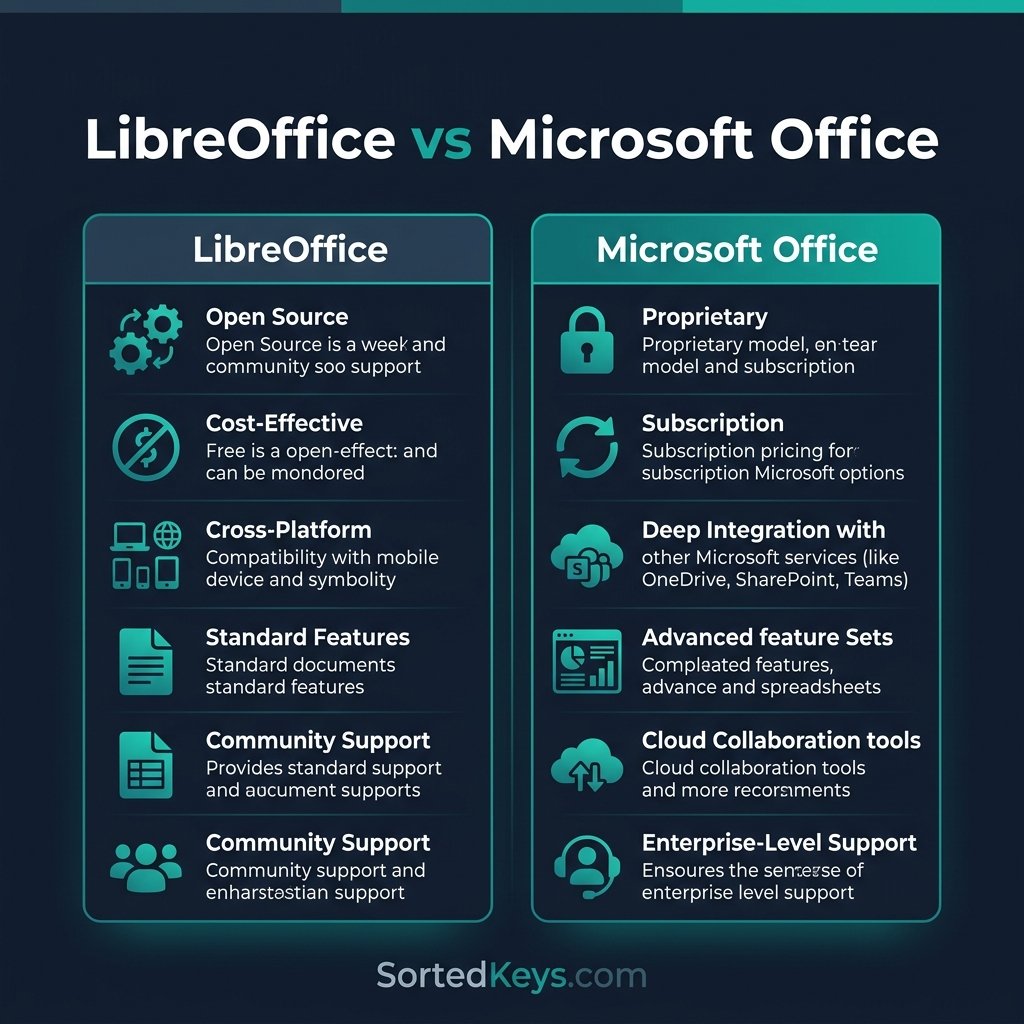
Microsoft 365 vs Office 2024: Subscription or One-Time Purchase?


Deciding between Microsoft 365 and Office 2024 comes down to one simple question: do you want to pay a monthly subscription for continuous updates, or make a single one-time payment and own the software forever? Microsoft 365 is a cloud-based subscription that offers the latest AI features, 1TB of OneDrive storage, and multi-device support. Office 2024 is a traditional, perpetual license that you buy once, install on one computer, and use offline for years without any recurring fees. In this guide, we break down exactly which option provides the best value for your specific needs.
Looking for the best value?
Skip the monthly fees and own your software forever. Get the Microsoft Office Home & Business 2024 (PC/Mac) lifetime license at an unbeatable price today.
What is Microsoft 365? (The Subscription Model)
Formerly known as Office 365, Microsoft 365 is a cloud-powered subscription service. Instead of buying the software outright, you “rent” access to it on a monthly or annual basis. It is designed for users who need flexibility, collaboration tools, and constant updates.
Key Advantages of Microsoft 365:
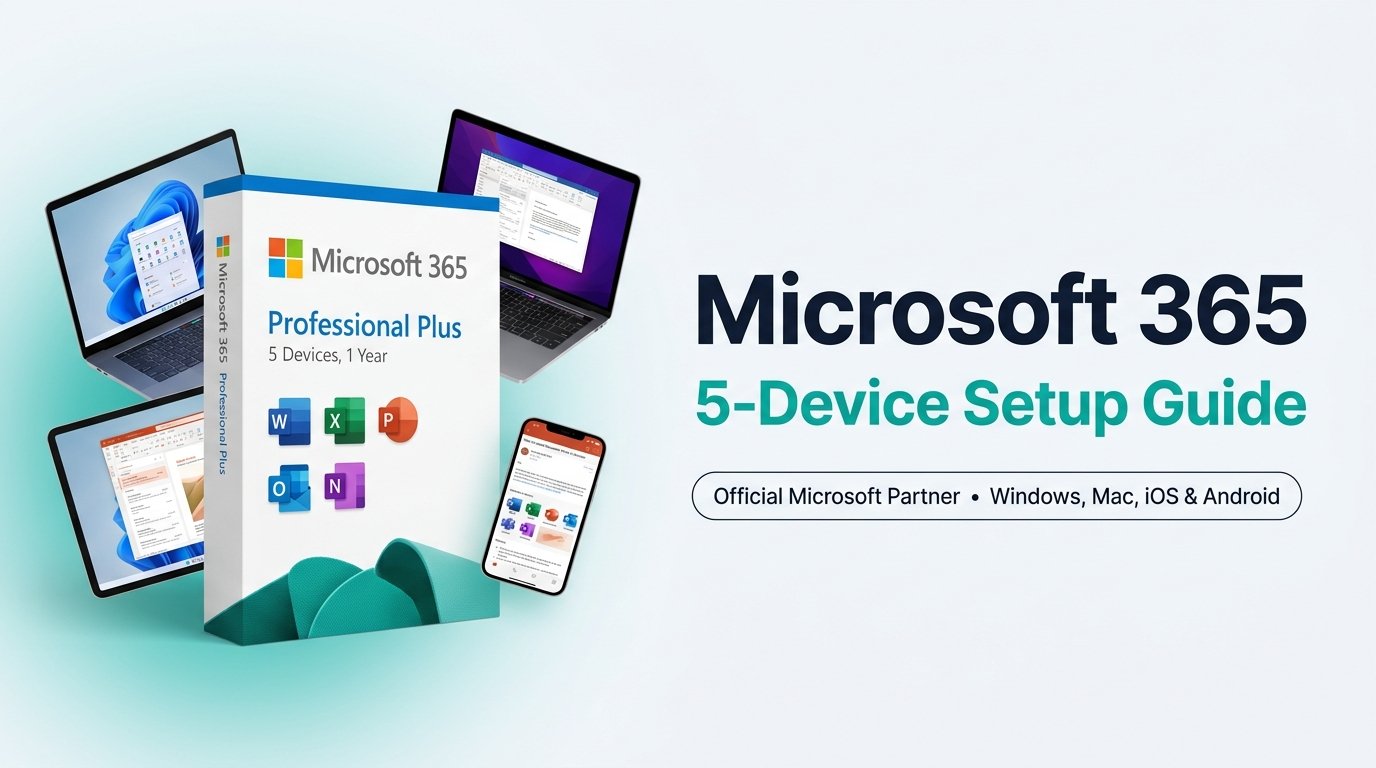
- Multi-Device Access: A single license lets you install Office apps on up to 5 PCs, Macs, tablets, and phones simultaneously.
- Continuous Updates: You instantly receive the newest features, security patches, and Copilot AI integrations as soon as they are released.
- Massive Cloud Storage: Includes 1TB of OneDrive cloud storage for backing up your files and photos securely.
What is Office 2024? (The One-Time Purchase)
Microsoft Office 2024 is the latest “perpetual” release. This is the traditional software model you are likely used to: you pay a single, upfront price, you receive a product key, and you own the software forever. If you are debating upgrading from older versions, check out our guide on Office 2019 vs 2021 vs 2024.
Key Advantages of Office 2024:
- No Recurring Fees: Buy it once and never worry about your credit card being charged again. Over 3-5 years, this saves you hundreds of dollars.
- Offline Functionality: Because it is completely installed on your hard drive, it doesn’t require a constant internet connection to verify your subscription.
- Privacy and Control: Perfect for businesses or individuals who prefer keeping their data strictly local rather than in the cloud.
Feature Comparison Table
| Feature | Microsoft 365 | Office 2024 |
|---|---|---|
| Payment Model | Monthly or Annual Subscription | One-Time Upfront Purchase |
| Device Limit | Up to 5 devices per user | 1 PC or Mac only |
| Feature Updates | Continuous (New features added regularly) | None (Security patches only) |
| Cloud Storage | 1TB OneDrive included | None included |
| Best For… | Remote workers, families, multi-device users | Budget-conscious users, offline systems |
Frequently Asked Questions (FAQ)
Can I use Office 2024 offline?
Yes. After the initial activation process, Office 2024 can be used completely offline without requiring an internet connection.
Does Office 2024 include Copilot AI?
No. Microsoft’s advanced Copilot AI features require heavy cloud processing and continuous updates, so they are exclusively available in the Microsoft 365 subscription model.
Which option is cheaper in the long run?
For a single computer, Office 2024 is significantly cheaper. While the upfront cost is higher, you break even in about 14 to 18 months. If you plan to use the software for 4-5 years, the one-time purchase saves you a massive amount of money compared to paying monthly fees.