









How to Buy a Microsoft Office License: Everything You Need to Know in 2026


Table of Contents
Whether you are drafting a resume in Word, building a financial model in Excel, or designing a presentation in PowerPoint, Microsoft Office remains the undisputed king of productivity software. But if you are looking to buy a Microsoft Office license in 2026, you’ve probably noticed that the purchasing options are more confusing than ever.
Microsoft aggressively pushes its monthly subscription model, but they still quietly offer traditional one-time purchase licenses. Meanwhile, third-party sellers offer steep discounts, leaving buyers wondering who to trust.
In this ultimate buyer’s guide, we will break down exactly how to navigate the Microsoft ecosystem, the critical differences between your license options, and where to safely buy a Microsoft Office license without getting scammed or overpaying.
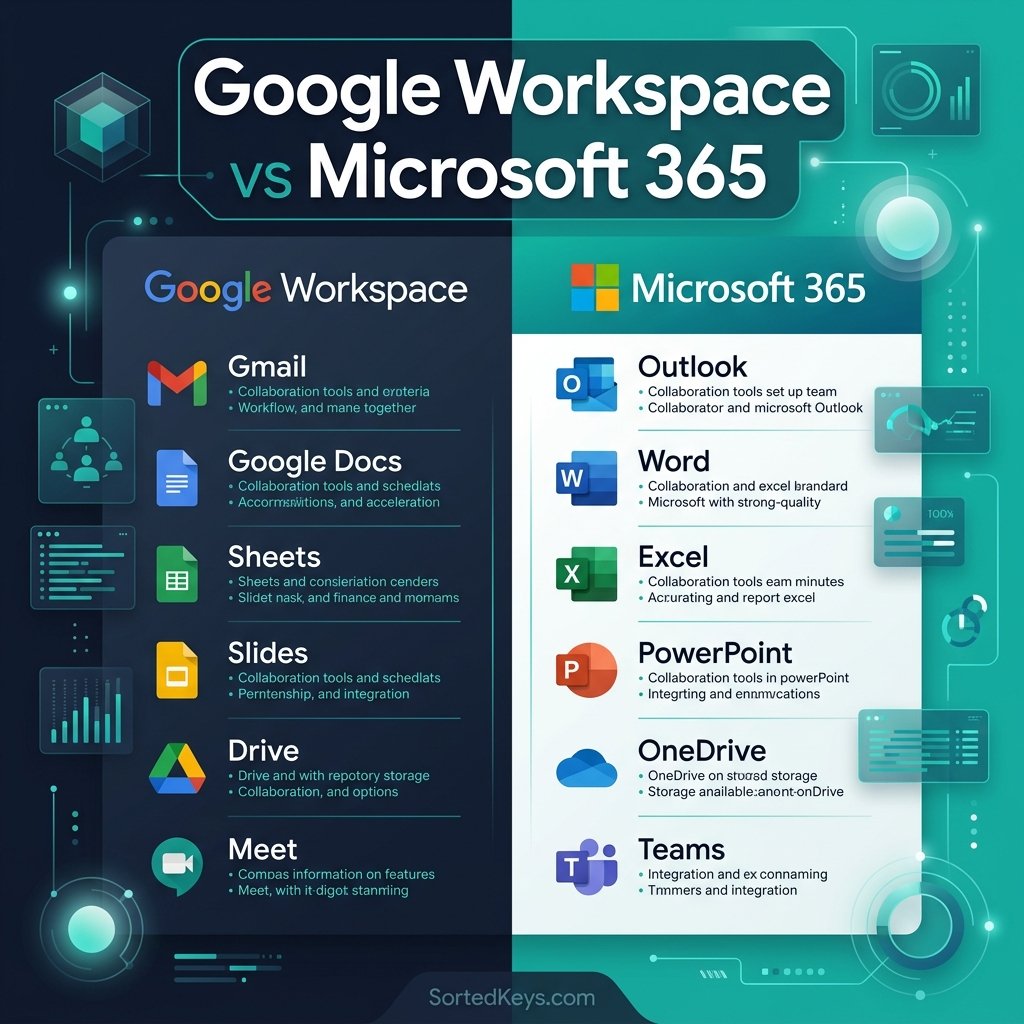
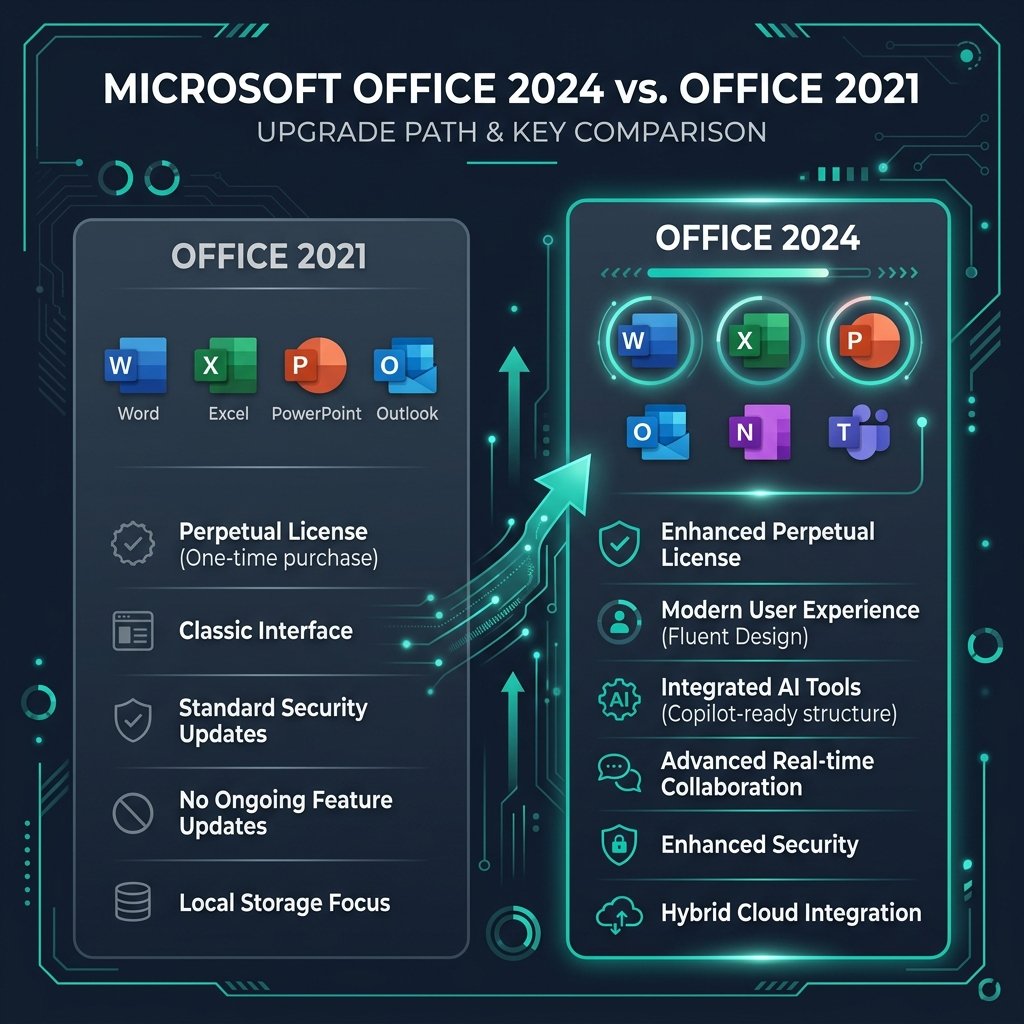
1. Microsoft 365 vs. Office 2024: The Big Decision
Before you click “Add to Cart,” you need to make the most important decision: Do you want to rent your software, or do you want to own it?
- Microsoft 365 (The Subscription): This is Microsoft’s flagship rental model. You pay a recurring monthly or annual fee (typically $69.99/year for individuals). As long as you keep paying, you get the latest features, 1TB of OneDrive cloud storage, and the ability to install Office on up to 5 devices simultaneously. If you stop paying, the apps revert to read-only mode.
- Office 2024 (The One-Time Purchase): Also known as a “perpetual license,” this is the classic way to buy software. You pay a single upfront fee, and you own the software forever. It never expires, and there are no recurring monthly charges. However, it only covers one computer (PC or Mac), and you do not get future major feature upgrades.
Our Recommendation: If you hate monthly bills and just need Word, Excel, and PowerPoint on a single computer, buying a traditional Office 2024 license is far more cost-effective in the long run.
2. Which Version of Office 2024 Should You Buy?
If you opt for the one-time purchase, you still have to choose the right “edition.” The version you buy dictates which applications are included.
| Office Edition | Included Apps | Best For |
|---|---|---|
| Office Home 2024 | Word, Excel, PowerPoint, OneNote | Students and casual home users who do not need Outlook. |
| Office Home & Business 2024 | Word, Excel, PowerPoint, OneNote, Outlook | Small business owners and freelancers who manage professional email. |
| Office Professional 2024 | Word, Excel, PowerPoint, Outlook, Publisher, Access | Advanced power users and database managers (Windows only). |
3. Should You Buy Older Versions (2021, 2019, 2016)?
While Office 2024 is the latest release, you will frequently see retailers offering heavy discounts on Office 2021 or Office 2019. Are these older versions worth buying?
Yes, with a caveat. Microsoft Office has matured to a point where the core functionality of Word and Excel rarely changes between versions. An Office 2021 license will handle 99% of tasks just as well as Office 2024. If you are on a strict budget, buying a discounted Office 2021 license is an incredibly smart financial move.
However, we recommend avoiding Office 2016 or older, as they have reached their End of Life (EOL) and no longer receive critical security updates from Microsoft.
4. Where to Buy Genuine Office Licenses Safely
The software market is unfortunately flooded with grey-market scams. If you see a website selling Office Professional Plus for $10, it is almost certainly a stolen or leaked Volume License that Microsoft will deactivate a few months later.
To ensure your license is permanent, legal, and tied securely to your Microsoft account, you should only buy from two places:
- The Official Microsoft Store: The safest, but most expensive option. You will pay the maximum retail price (MSRP).
- Verified Microsoft Partners (Recommended): Authorized retailers, like Sorted Keys, purchase genuine OEM and Retail licenses in bulk. Because they buy wholesale, they pass the savings directly to you, allowing you to get a 100% genuine license at a significant discount.
Stop Renting Your Software
Sorted Keys provides 100% genuine, lifetime Microsoft Office licenses. Every purchase is backed by hundreds of 5-star Trustpilot reviews, instant digital delivery, and a strict money-back guarantee.
Browse Genuine Office Keys5. Frequently Asked Questions (FAQ)
Can I transfer a one-time Office license to a new computer?
Yes, provided you purchased a Retail license. The license is tied directly to your personal Microsoft Account. If you buy a new laptop, you simply sign out of Office on the old machine, install it on the new one, and sign back in to activate it.
Do I need an internet connection to use Office 2024?
You only need an internet connection to download and initially activate the software. Once installed and activated, you can use Word, Excel, and PowerPoint entirely offline. Microsoft 365, on the other hand, requires you to connect to the internet at least once every 31 days to verify your subscription.
Can I install Office 2024 on both my Mac and PC?
No. A standard one-time purchase license (like Office Home & Business) only covers a single computer. However, during the initial setup process on `setup.office.com`, the Microsoft server will automatically detect whether you are on a Mac or a Windows PC and provide you with the correct installation file for that operating system.
Own Your Office Apps For Life — Zero Recurring Fees
Stop paying monthly cloud subscriptions. Secure a genuine lifetime Microsoft Office license with permanent activation for your PC or Mac.





I travel frequently for work and often have no internet on flights or remote job sites. Unlike Microsoft 365, can I use a standalone Office 2024 or Office 2021 license completely offline without it locking me out?
Hi Gregory! Yes, that is one of the biggest advantages of standalone lifetime Office licenses! Microsoft 365 requires periodic online check-ins every 30 days to verify subscription billing, and will lock into read-only mode if you are offline too long. In contrast, standalone retail editions like Microsoft Office 2024 Professional Plus activate once with Microsoft servers upon initial setup and then run 100% offline indefinitely with zero internet required.
I’m on macOS Sonoma. Is there a lifetime one-time purchase version available for Mac, or is Office Professional Plus only for Windows PCs?
Hello Claire! While the “Professional Plus” edition is Windows-exclusive, Microsoft offers the standalone Microsoft Office 2024 Home & Business (PC/Mac) specifically designed for Apple Silicon (M1/M2/M3) and Intel Macs running macOS Sonoma and macOS Sequoia. It includes Word, Excel, PowerPoint, and Outlook with full native Mac support and lifetime activation under your Microsoft account.