







Why Retail License Keys Cost More (And Why They’re Worth It)
🛡️
Systems Engineering Guide: Verified for Windows 11 24H2 & Windows 10 • 100% Genuine Retail Channel • V...
Best Place to Buy Windows 11 Pro Keys in 2026: A Trusted Buyer’s Guide
🛡️
Verified Buyer Guide: 100% Genuine Retail Channel • Digital Entitlement Guaranteed • Verified Microsoft Pa...
How to Protect Your Software License Keys from Theft: Digital Security Best Practices
🛡️
Verified Security Guide: Tested on Windows 11 24H2 & Windows 10 • 100% Genuine Retail Channel • Verifi...
How to Upgrade from Windows 10 Home to Windows 10 Pro (Step-by-Step, No Reinstall)
🛡️ Verified Technical Guide: Tested on Windows 10 Version 22H2 • 100% Genuine Retail Channel • Microsoft Partne...

Troubleshooting Windows Activation When Your Product Key Doesn’t Match Your Edition
One of the most common hurdles when activating Windows is discovering that your purchased license doesn't align with the versi...
Where to Buy Genuine Windows 11 Product Keys: A Safe Buyer’s Guide
Table of Contents
1. Why You Need a Genuine Key
2. OEM vs. Retail: What's the Difference?
...
How to Reinstall Windows 11 Without a Product Key (Using Digital License)
If your PC is running slow, infected with malware, or you are simply upgrading your hard drive, a clean installation is the ...
How to Check If Your Windows Is Activated (And What Edition You Have)
To check your Windows activation status, press the Windows Key + I to open Settings. In Windows 11, go to System > Activation. In Wi...
How to Activate Microsoft Office with a Product Key
To activate Microsoft Office with a product key, go to the official Microsoft portal at setup.office.com. Sign in with your Micr...
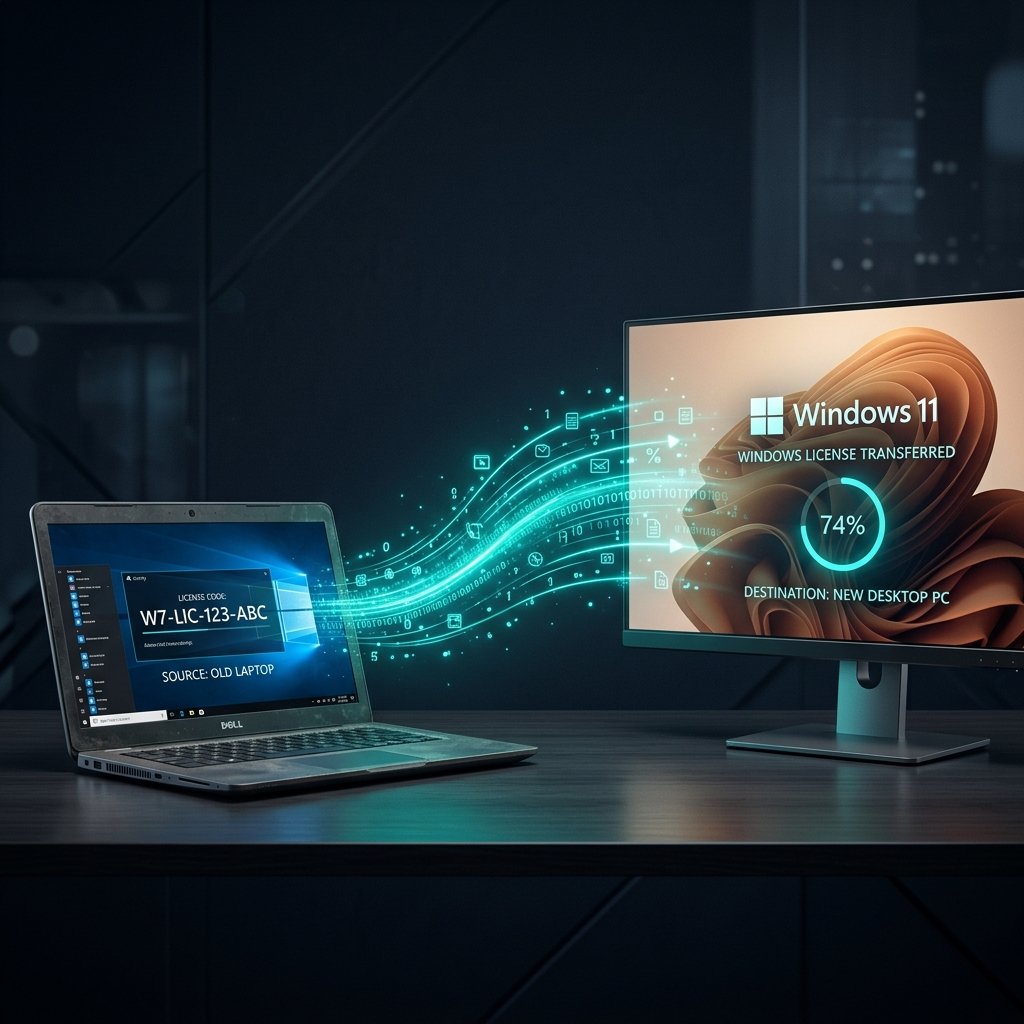
How to Transfer Your Windows License to a New PC
Upgrading your computer is exciting, but buying a brand new Windows license can be an unexpected expense. The good news? Depe...