Google Workspace vs Microsoft 365: Which Productivity Suite Wins?

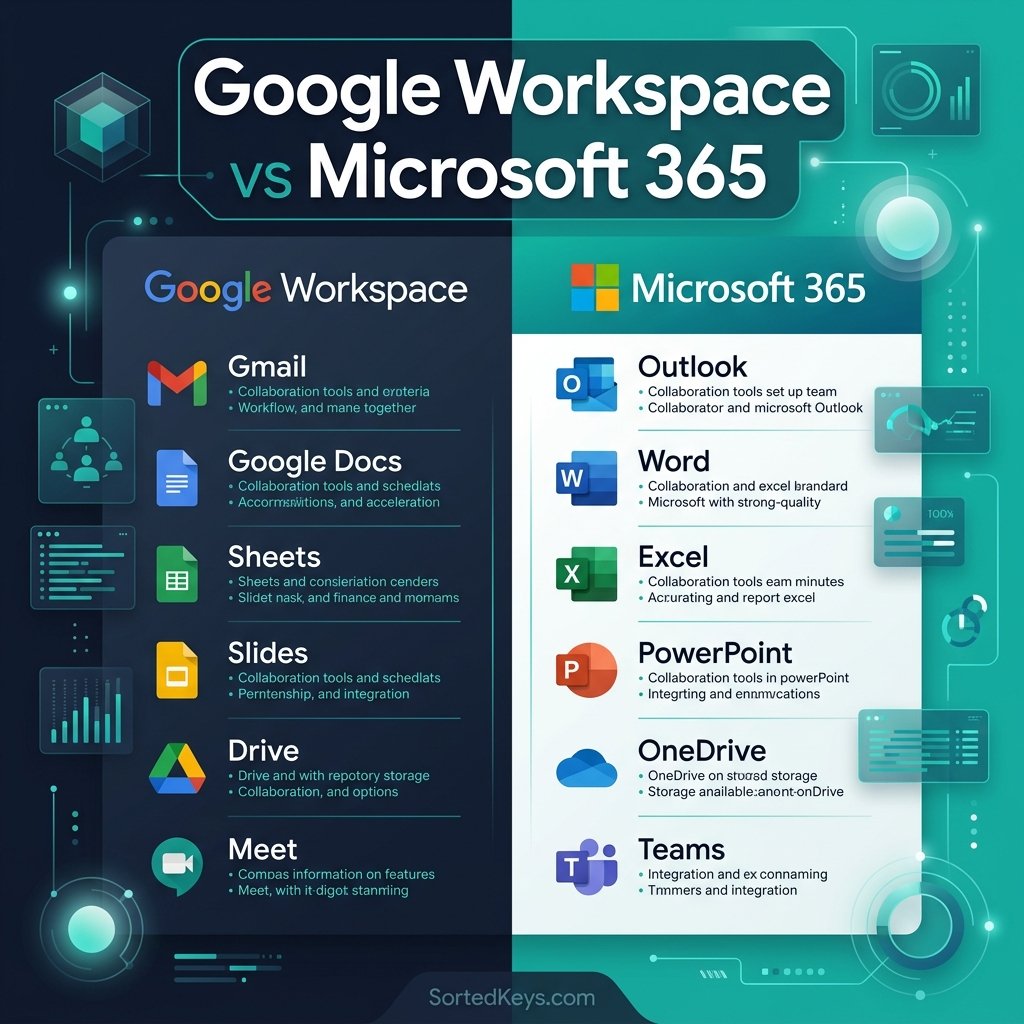
The short answer: If your team relies 100% on real-time web collaboration and rarely works offline, Google Workspace is an excellent choice. However, if your business requires powerful desktop applications (like advanced Excel modeling or complex Word document formatting), industry-standard compliance, and robust offline capabilities, Microsoft 365 is the undisputed winner. Let’s break down exactly why.
1. The Application Ecosystem: Desktop vs Cloud
The most significant difference between these two giants comes down to how their applications are built and delivered.
- Google Workspace (The Cloud Native): Google Docs, Sheets, and Slides were built for the web. They are lightweight, incredibly fast for real-time co-authoring, and require zero installation. However, they lack dedicated desktop apps, meaning offline work can be clunky and requires specific browser extensions.
- Microsoft 365 (The Hybrid Powerhouse): Microsoft provides industry-leading desktop apps (Word, Excel, PowerPoint) alongside fully functional web versions. For heavy data analysis in Excel or formatting complex legal documents in Word, Google’s web apps simply cannot match the raw power and feature depth of Microsoft’s desktop applications.
Get the Industry Standard in Productivity
Equip your team with the full suite of Microsoft desktop apps, including Word, Excel, PowerPoint, and 1TB of OneDrive cloud storage. Instant delivery available now.
Buy Microsoft 365 (1-Year Subscription) Buy Office 2024 (One-Time Purchase)2. Email and Communication: Gmail vs Outlook
Your choice of productivity suite often comes down to your email preference.
Gmail is universally loved for its powerful search capabilities and simple, tag-based organization. It integrates seamlessly with Google Meet and Google Chat directly in the browser.
Outlook is the enterprise standard for a reason. It offers incredibly granular control over folders, rules, and calendars. Furthermore, the integration between Outlook and Microsoft Teams offers a far superior unified communications experience for businesses compared to Google’s fragmented Chat/Meet ecosystem.
3. Storage and File Management: Drive vs OneDrive
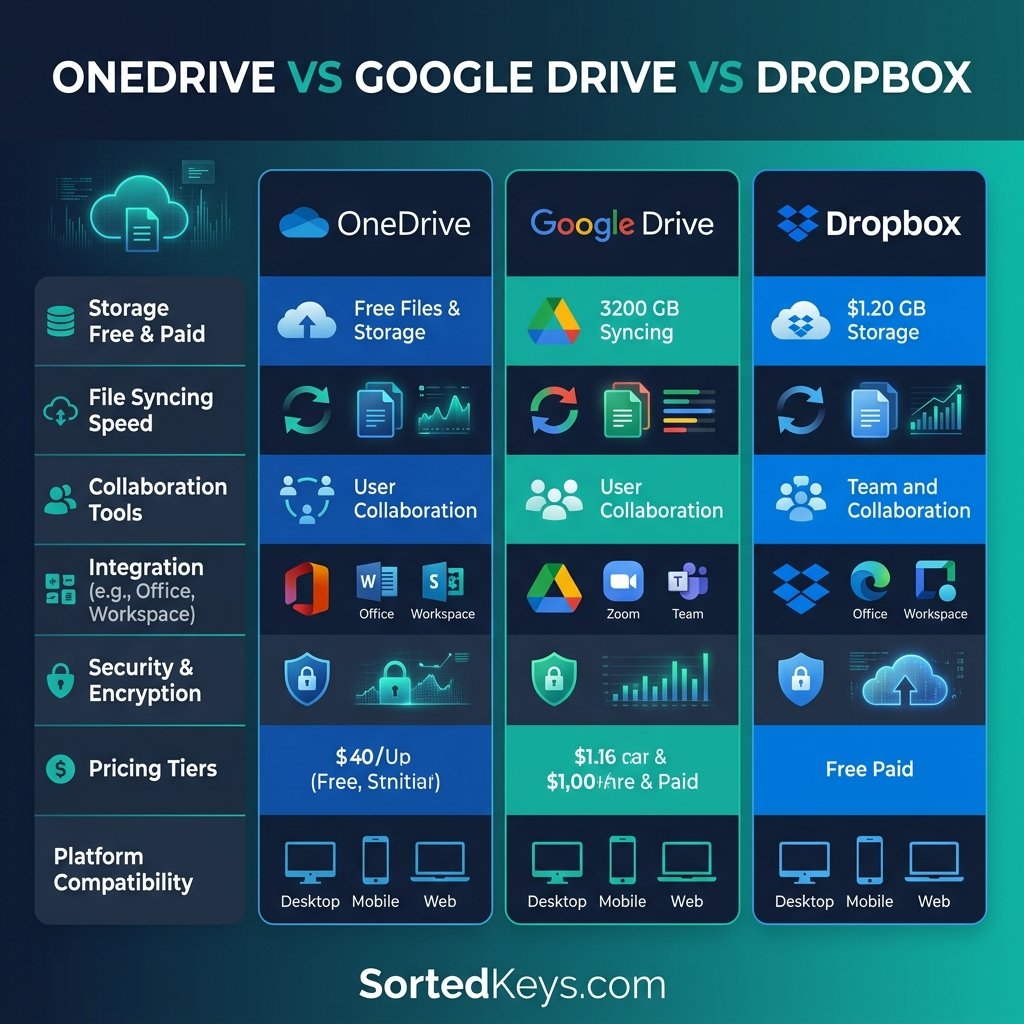
Both platforms offer generous cloud storage, but they handle file syncing differently:
Google Drive is fantastic for searching and sharing files quickly via links. However, organizing files across multiple shared drives can sometimes become confusing for large teams.
Microsoft OneDrive and SharePoint excel in structural organization. More importantly, OneDrive’s desktop integration via Windows File Explorer is seamless. You can manage cloud files exactly as if they were local files on your PC, with on-demand syncing that saves hard drive space.
4. Feature Comparison Summary
| Feature | Google Workspace | Microsoft 365 |
|---|---|---|
| Desktop Applications | No (Web only) | Yes (Word, Excel, PPT) |
| Real-Time Collaboration | Excellent (Native) | Very Good (Via Web Apps) |
| Advanced Spreadsheets | Basic/Intermediate (Sheets) | Industry Standard (Excel) |
| Offline Capabilities | Limited (Browser dependent) | Full (Desktop Apps) |
The Verdict
While Google Workspace is great for startups and highly mobile teams who live entirely in the browser, Microsoft 365 remains the gold standard for business productivity. If your team relies on complex spreadsheets, formatted proposals, offline work, or advanced security compliance, Microsoft 365 (or a perpetual Office license) is the suite you need.
Frequently Asked Questions (FAQ)
Can Google Docs open Microsoft Word files?
Yes, Google Docs can open and edit .docx files. However, complex formatting, advanced tables, and specific fonts often break or render incorrectly when converting between the two platforms.
Is Microsoft Teams better than Google Meet?
Microsoft Teams is a comprehensive unified communications platform combining chat, video, and file sharing in one app. Google Meet is primarily a video conferencing tool that must be used alongside Google Chat, making Teams generally more cohesive for enterprise collaboration.
Can I buy Microsoft Office without a subscription?
Yes! Unlike Google Workspace which requires a monthly subscription, you can purchase perpetual licenses like Office 2021 or Office 2024 Professional Plus for a one-time fee and own the software forever.