LibreOffice vs Microsoft Office: Can Free Software Replace the Real Thing?

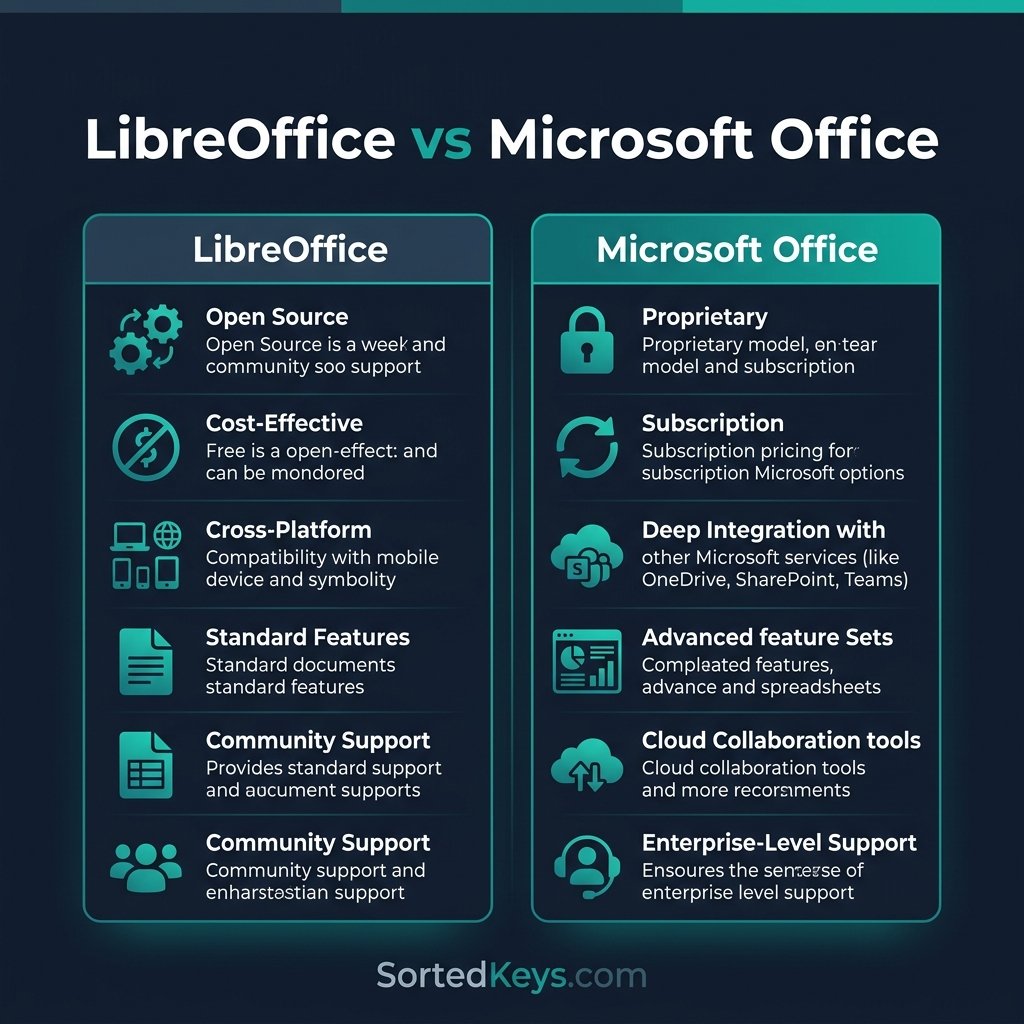
The short answer: Yes, but only for basic users. If your daily work consists of typing simple text documents or basic spreadsheets, LibreOffice is a fantastic free alternative. However, if you rely on complex Excel macros, advanced formatting, real-time cloud collaboration, or if you frequently share files with clients who expect perfect formatting, Microsoft Office remains the undisputed standard. Free software often comes with the hidden cost of broken formatting and lost productivity.
1. File Compatibility: The Dealbreaker
The biggest hurdle in the LibreOffice vs Microsoft Office debate is file compatibility.
While LibreOffice Writer can open `.docx` files, and LibreOffice Calc can open `.xlsx` files, they do not render them perfectly. If you create a highly formatted document in Microsoft Word (using specific fonts, complex tables, or SmartArt) and send it to a client, opening it in LibreOffice will frequently cause the layout to break, tables to shift, and fonts to substitute incorrectly.
- LibreOffice: Excellent for internal use where everyone uses the same software, but risky when exchanging formal documents with external clients.
- Microsoft Office: The global standard. When you send a Word document or a PowerPoint presentation, you know the recipient will see exactly what you designed.
Stop Fighting Broken Formatting
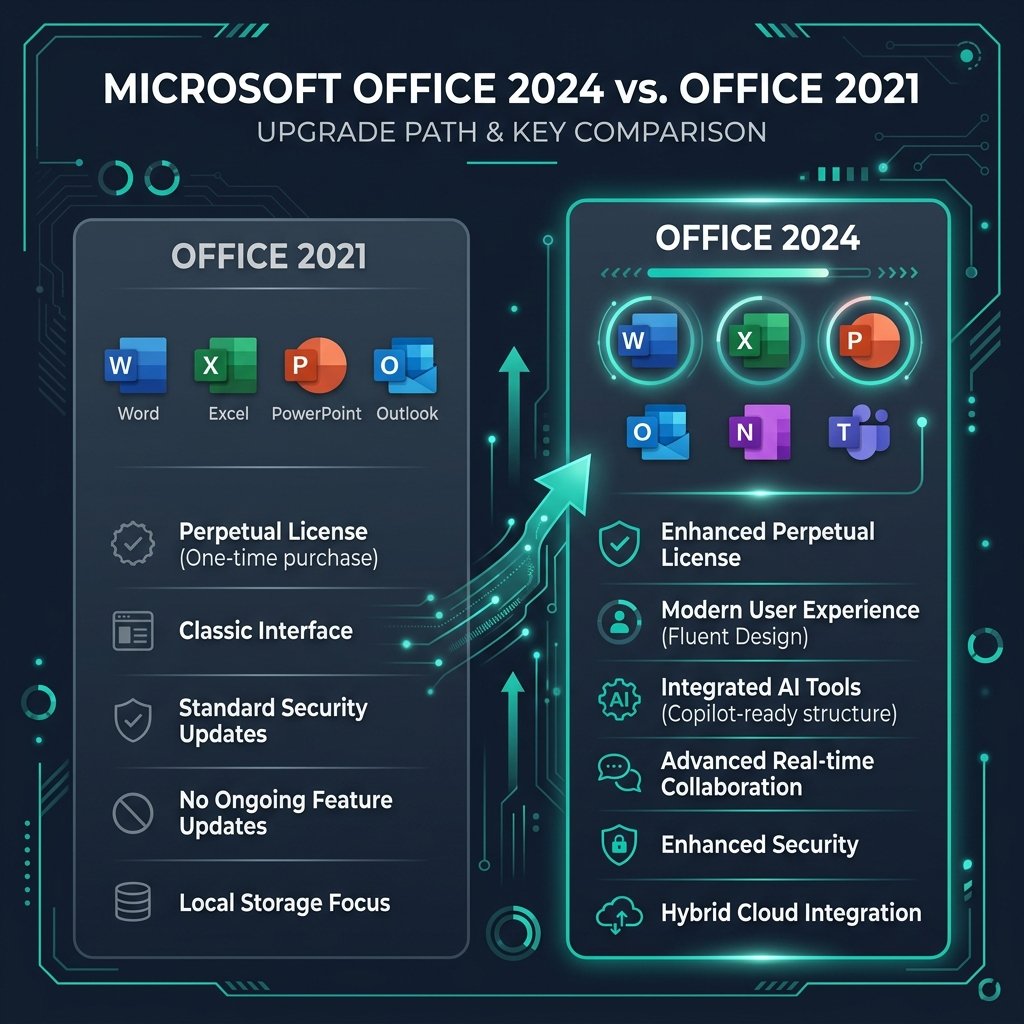
Why struggle with compatibility issues? You don’t need a monthly subscription to get the real thing. Get a lifetime license for Microsoft Office 2024 Professional Plus and own the software forever.
Buy Office 2024 (One-Time Purchase)2. Excel vs. Calc: The Data Heavyweights
For casual users budgeting their home expenses, LibreOffice Calc is perfectly adequate. But for professionals, the gap is massive.
Microsoft Excel is arguably the most powerful piece of business software ever created. It handles millions of rows of data with ease, features advanced Power Query tools, and has a deeply integrated VBA macro ecosystem. More importantly, almost every finance, accounting, and data analysis tutorial online is built specifically for Excel.
While LibreOffice Calc supports macros, they use a different scripting language. If your business relies on legacy Excel macros, they simply will not work in LibreOffice without being entirely rewritten.
3. Cloud Integration and Collaboration
Modern workflows require real-time collaboration. This is where the free/paid divide becomes glaringly obvious.
If you are trying to decide between Microsoft 365 and Office 2024, you already know that Microsoft’s ecosystem is built for the cloud. Multiple people can edit a Word document simultaneously, and files auto-save directly to OneDrive.
LibreOffice is strictly offline. While there are workarounds (like saving files to a synced Google Drive folder), you cannot co-author a document in real-time with your team using standard LibreOffice. If remote collaboration is a priority, LibreOffice will feel like stepping back into 2010.
4. Feature Comparison Summary
| Feature | LibreOffice | Microsoft Office |
|---|---|---|
| Cost | 100% Free | Paid (Subscription or One-Time) |
| Industry Standard Format (.docx, .xlsx) | Partial / Buggy Rendering | Flawless (Native) |
| Real-Time Cloud Co-Authoring | No | Yes (via OneDrive) |
| Advanced Data Analysis / Macros | Basic | Unmatched (Excel / VBA) |
The Verdict: Is Free Actually Cheaper?
LibreOffice is an incredible achievement in open-source software. If you are a student or a home user on a strict budget, it is highly recommended.
However, for businesses and professionals, time is money. The hour you spend fixing a broken layout that a client sent you, or trying to rewrite an Excel macro to work in Calc, costs vastly more than the price of an Office license. By purchasing a lifetime license, you get the global industry standard without the recurring subscription fees.
Frequently Asked Questions (FAQ)
Can LibreOffice open Microsoft Word documents?
Yes, LibreOffice Writer can open .docx files. However, complex formatting (like custom margins, specific fonts, and advanced tables) often shifts or breaks when opened in LibreOffice.
Is LibreOffice truly 100% free?
Yes. LibreOffice is open-source software maintained by The Document Foundation. There are no premium tiers or hidden subscription fees.
Do I have to pay a subscription to get Microsoft Office?
No! While Microsoft pushes their Microsoft 365 subscription heavily, you can still buy perpetual licenses like Office 2021 or Office 2024 Professional Plus. You pay once and own the software forever.