Essential Software Every Small Business Needs in 2026


Table of Contents
What is the Essential Software for a Small Business in 2026?
To operate efficiently and securely in 2026, every small business requires a baseline IT stack consisting of three core pillars: a secure business-grade operating system (Windows 11 Pro), a modern productivity suite (Microsoft Office 2024 or Microsoft 365), and robust cloud storage/security (OneDrive and BitLocker). Investing in genuine, lifetime licenses for these tools dramatically lowers your monthly overhead while protecting your company data from emerging cyber threats.
1. The Foundation: Windows 11 Pro
Many founders make the mistake of buying cheaper “Home” edition laptops for their employees. In a professional environment, this is a massive security liability. You can read our detailed breakdown on why you need Windows 11 Pro over Home, but it boils down to three features:
- BitLocker Device Encryption: If an employee’s laptop is stolen, BitLocker ensures the hard drive is completely unreadable without the decryption key.
- Active Directory / Entra ID: Allows you to manage all employee logins and permissions centrally.
- Windows Sandbox: Safely open suspicious files in an isolated desktop environment without risking your actual system. You can explore more about these enterprise features in the official Microsoft Windows for Business documentation.
Secure Your Team Today
Don’t let your business run on unprotected consumer software. Upgrade your entire office to Windows 11 Pro instantly.
Get Windows 11 Pro2. The Productivity Suite: Office 2024 vs Microsoft 365
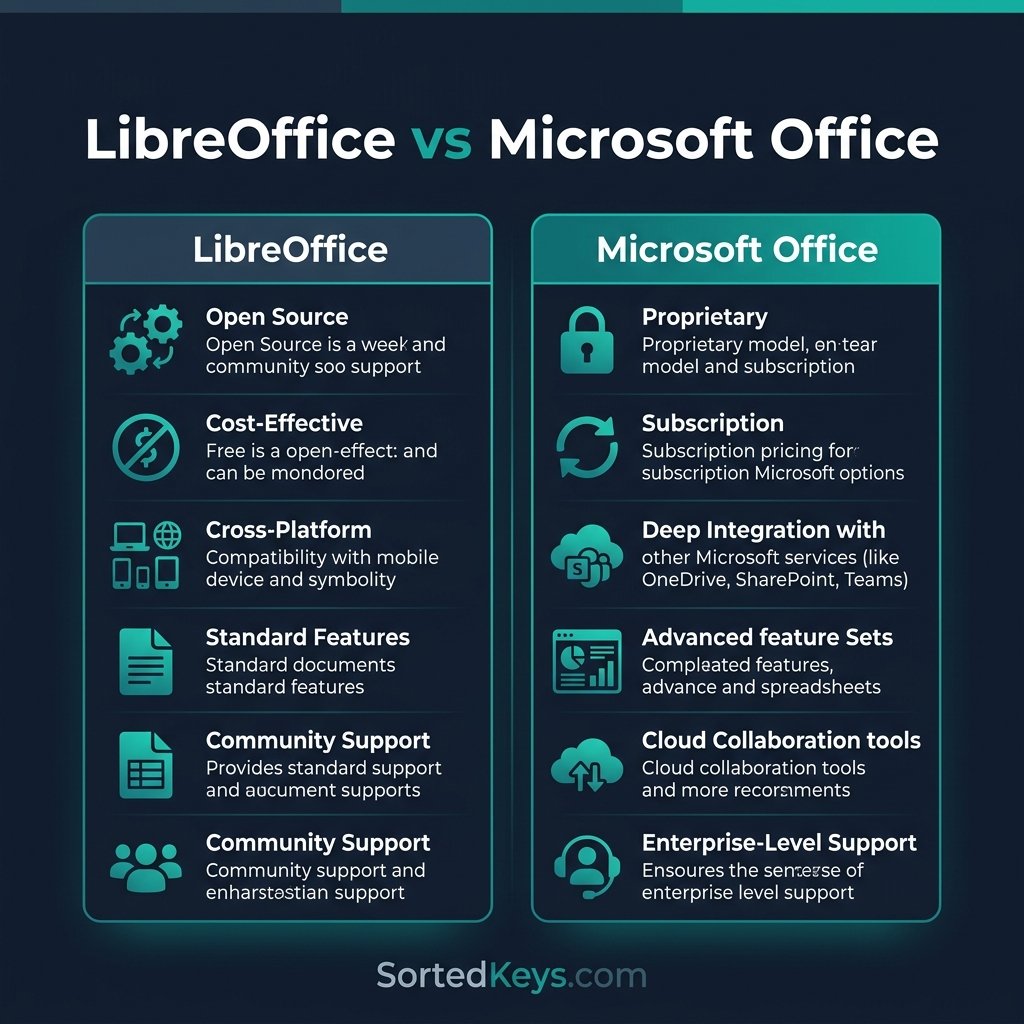
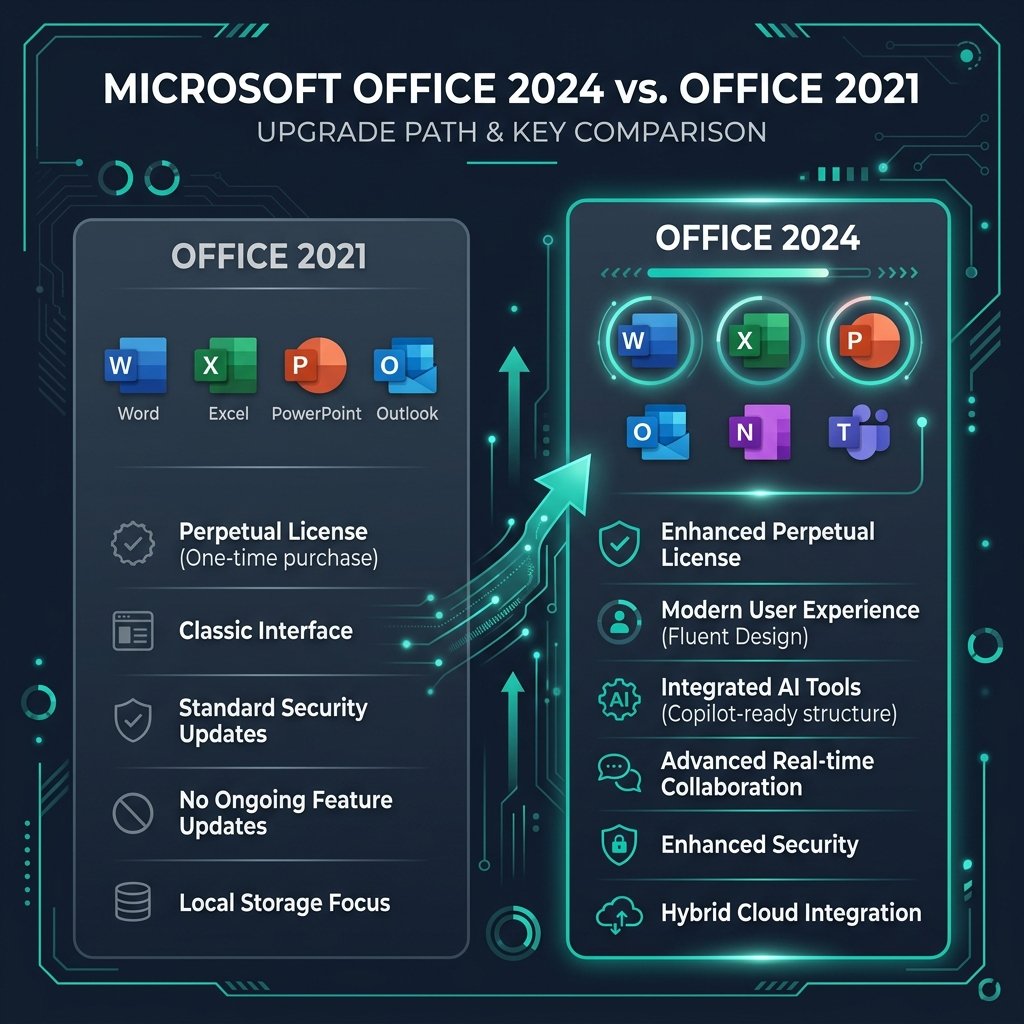
Your team needs Word, Excel, PowerPoint, and Outlook. In 2026, you have two distinct paths depending on your cash flow strategy. We dive deep into this in our Microsoft 365 vs Office 2024 comparison guide, but here is the summary:
- Microsoft Office 2024 Professional Plus (One-Time Purchase): Best for businesses looking to minimize recurring monthly costs. You buy it once, own it forever, and get all the core applications installed locally on the machine.
- Microsoft 365 Business (Subscription): Best for remote teams that rely heavily on real-time co-authoring, Microsoft Teams for video conferencing, and the latest AI Copilot features.
3. Security & Cloud Storage
Data loss is catastrophic for small businesses. Relying on local hard drives without a cloud backup strategy is a gamble you cannot afford to take in 2026. Microsoft OneDrive (included with M365 and integrated seamlessly into Windows 11) automatically syncs your Desktop, Documents, and Pictures folders to the cloud in real-time. Paired with Windows Defender’s built-in ransomware protection, this ensures that even if a computer is destroyed or compromised, your business data is safe and accessible from anywhere.
Frequently Asked Questions
Can a business legally use Windows 11 Home?
While it is not strictly illegal to use Windows 11 Home for business purposes, it lacks critical compliance and security features (like BitLocker and Group Policy) required by most industry regulations (HIPAA, GDPR, etc.). Upgrading to Pro is strongly recommended.
Are lifetime software licenses a better investment than subscriptions?
For standard office work (Word, Excel), a lifetime license like Office 2024 pays for itself in under a year compared to a monthly subscription. However, if your team relies on cloud storage (OneDrive 1TB) and communication platforms (Teams), the Microsoft 365 subscription offers better value.