




Windows 11 Home vs Pro: Which Edition Do You Actually Need?


When buying a new PC or purchasing a license key, the biggest choice you face is deciding between Windows 11 Home vs Pro. Which edition do you actually need?
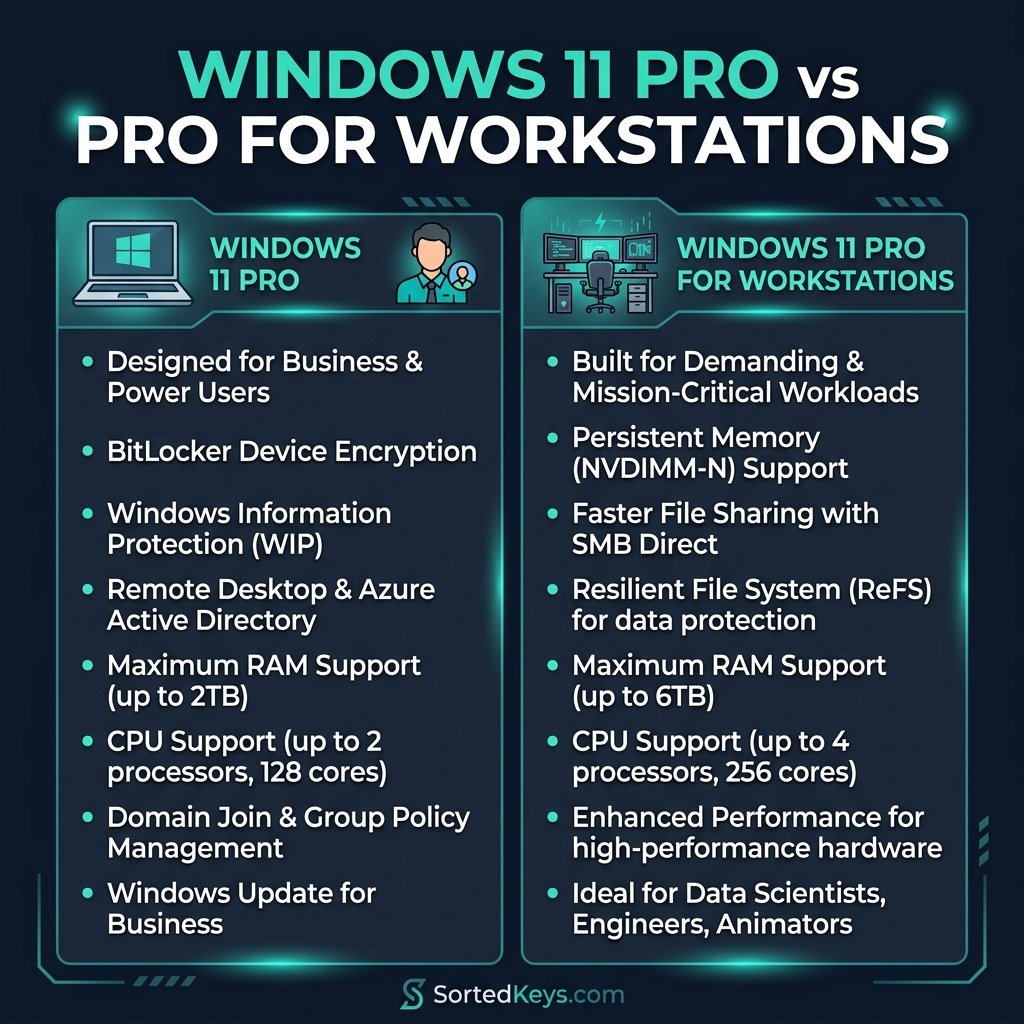
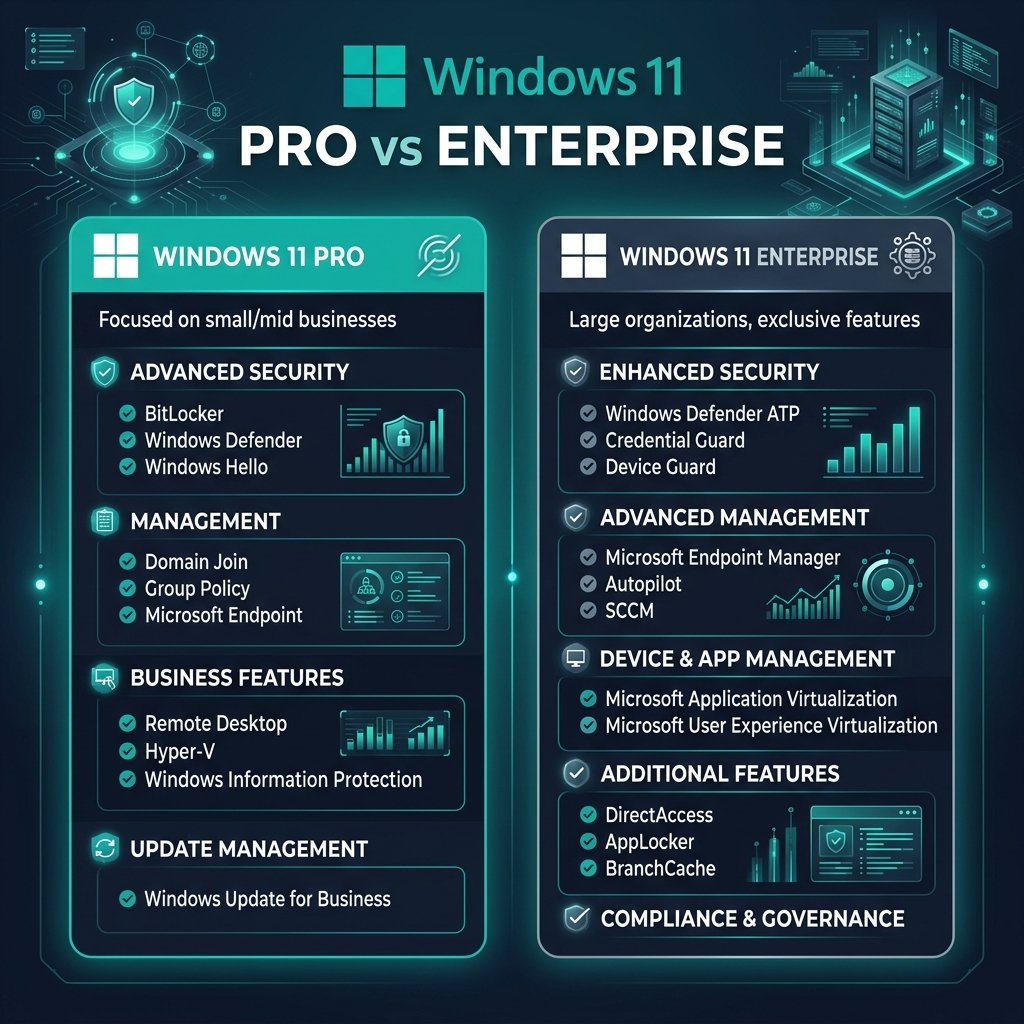
The short answer: Windows 11 Home is perfect for 95% of casual users, gamers, and students. However, if you are a power user, business owner, or work remotely, you absolutely need Windows 11 Pro. The Pro edition includes critical features like BitLocker encryption, Remote Desktop capabilities, Hyper-V for virtual machines, and Active Directory integration.
In this guide, we break down the exact differences between the two editions so you don’t overspend on features you don’t need—or miss out on tools your business requires.
1. Core Differences at a Glance
Both editions look identical on the surface. They feature the same sleek user interface, support Android apps, include Snap Layouts, and come with Microsoft Edge and Xbox Game Pass integration. The differences lie entirely in security, networking, and virtualization.
| Feature | Windows 11 Home | Windows 11 Pro |
|---|---|---|
| Max RAM Support | 128 GB | 2 TB |
| BitLocker Device Encryption | ❌ No | ✅ Yes |
| Remote Desktop (Host) | ❌ No | ✅ Yes |
| Hyper-V & Windows Sandbox | ❌ No | ✅ Yes |
| Active Directory & Azure AD | ❌ No | ✅ Yes |
2. Why You Might Need Windows 11 Pro
If you are trying to decide if the upgrade is worth it, here are the top three reasons professionals choose Pro:
- BitLocker Device Encryption: If your laptop is ever stolen, someone can easily pull the hard drive out and read your files. BitLocker encrypts your entire drive so your data is completely inaccessible without the password. This is mandatory for most corporate compliance policies.
- Remote Desktop: While Home allows you to control other PCs, only Pro allows your PC to be controlled remotely via Microsoft’s built-in Remote Desktop tool. This is essential if you need to remote into your office PC from home.
- Virtualization (Hyper-V): Developers and IT pros rely on Hyper-V to run virtual machines or use Windows Sandbox to test sketchy software in a safe, isolated environment.
Need to Upgrade to Pro?
If you already have Windows 11 Home, you do not need to reinstall your entire operating system to get Pro features. You can simply purchase a Pro upgrade key, enter it in your settings, and the new features will unlock instantly.
Buy a Windows 11 Pro Key3. Why Windows 11 Home Is Perfect for Gamers
If you are building a gaming PC, you might be tempted to buy the “Pro” version assuming it performs better. It doesn’t. Windows 11 Home and Pro offer the exact same gaming performance.
Both editions feature DirectX 12 Ultimate, Auto HDR, and DirectStorage for lightning-fast game loading times. Unless your gaming PC has more than 128GB of RAM (which is virtually impossible for consumer motherboards) or dual CPUs, Windows 11 Home is exactly what you need. Save the money and put it toward a better graphics card!
Related Guide: How to Set Up Windows 11 for the First Time
4. Frequently Asked Questions (FAQ)
Can I upgrade from Home to Pro later?
Yes! You can purchase a Pro key and enter it into the activation settings of your Home edition. The system will download a small update, restart, and unlock all Pro features without deleting your files. We have a full guide on how to upgrade from Home to Pro.
Does Windows 11 Pro run faster than Home?
No. Both operating systems use the exact same core architecture. You will not see any difference in speed, boot times, or gaming frame rates between the two editions.
Does Windows 11 Home have Remote Desktop?
Windows 11 Home can be used as a client (meaning you can use it to connect to another PC), but it cannot act as a host. This means you cannot connect to a Windows 11 Home PC remotely using Microsoft’s native Remote Desktop protocol.