Buying a Refurbished PC? Here’s How to Check If the Windows License Is Genuine


If you just bought a refurbished PC, the fastest way to check if your Windows license is genuine is to open Settings > System > Activation. If the status says “Windows is activated with a digital license,” your copy is legitimate. However, to ensure the seller didn’t use a temporary illegal crack, you must also run a quick check using the Command Prompt. Here is the step-by-step guide to verifying your operating system.
Table of Contents
Method 1: Check Activation Status in Settings
The most straightforward way to see if your Windows operating system is properly licensed is by using the built-in system settings. Refurbished PCs should always arrive pre-activated.
- Press the Windows Key + I to open Settings.
- Navigate to System > Activation.
- Look at the Activation state.
If it says “Windows is activated with a digital license” or “Windows is activated with a digital license linked to your Microsoft account,” your copy is currently genuine. If you see messages like “Windows is not activated,” the refurbished PC provider may have failed to properly license the machine.
Method 2: Verify License Type via Command Prompt
Checking the settings isn’t always enough. Some unethical sellers use illegal KMS (Key Management Service) activators that trick Windows into thinking it’s activated temporarily. To ensure your license is permanent, you need to check the license channel.
- Click the Start button, type cmd, right-click Command Prompt, and select Run as administrator.
- Type the command
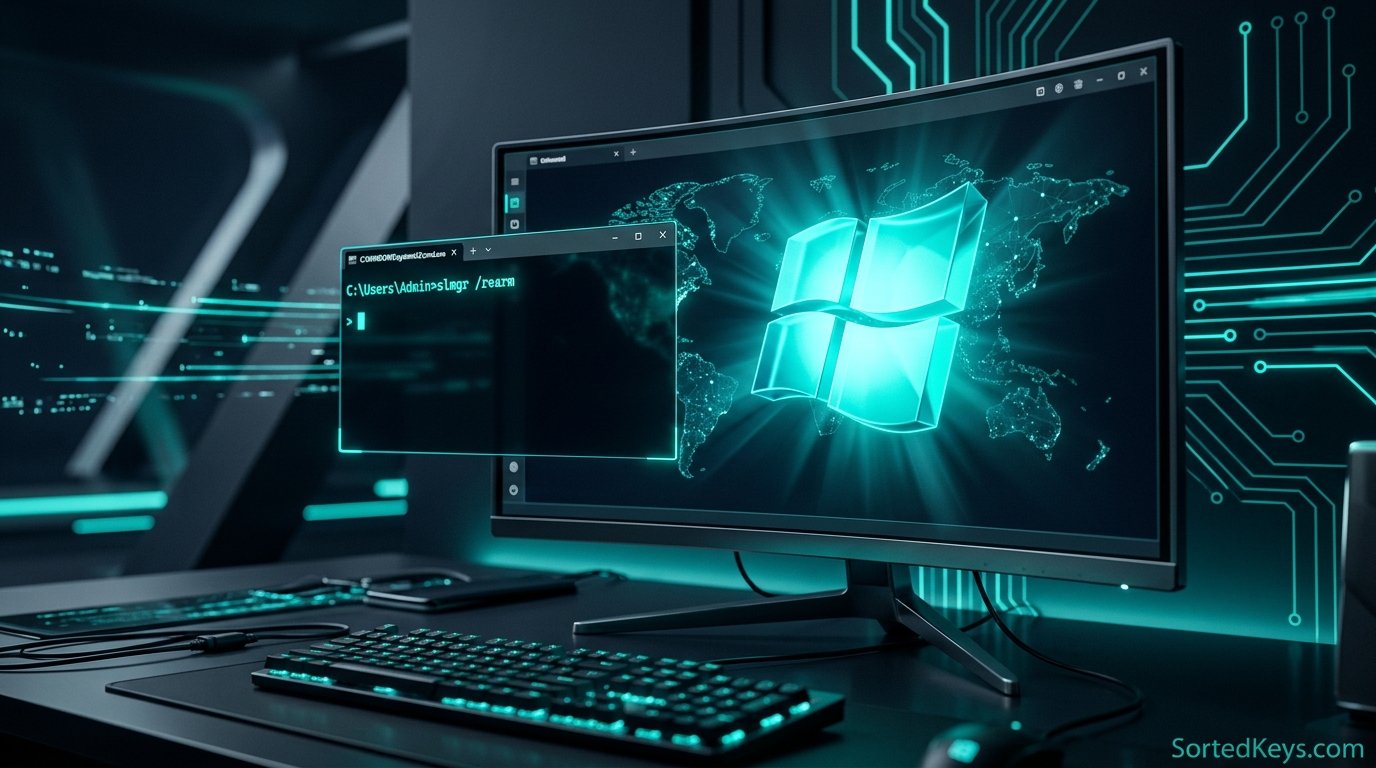
slmgr /xprand press Enter. A small window will pop up. If it says “The machine is permanently activated,” you are safe. If it shows an expiration date, you have a temporary/fake license. - Next, type
slmgr /dliand press Enter. This displays your license channel.
Legitimate refurbished PCs typically use OEM (Original Equipment Manufacturer) or Retail channels. If you see VOLUME_KMSCLIENT and you are a home user, your Windows key is likely not legitimate.
Method 3: Look for the Genuine Microsoft Label (GML)
According to official Microsoft guidelines, properly refurbished PCs sold by Microsoft Authorized Refurbishers (MAR) must include a physical sticker. Look on the back, bottom, or inside the battery compartment of your laptop or desktop chassis for a holographic Genuine Microsoft Label (GML) or a Certificate of Authenticity (COA) sticker. This is a strong physical indicator that the device was legitimately licensed.
What to Do If Your License Is Fake
If you discover that your refurbished PC has a pirated or temporary volume license, your system is vulnerable to security risks, malware, and sudden deactivation. You should immediately contact the seller for a refund or replacement.
If the seller refuses to help, you will need to purchase a genuine license to secure your PC. We highly recommend reading our guide on where to buy genuine Windows 11 product keys safely.
Secure Your PC Today
Don’t risk your personal data on an unlicensed operating system. Upgrade to a genuine, lifetime license with instant digital delivery.
Get Windows 11 ProFrequently Asked Questions
Are refurbished PCs supposed to come with Windows?
Most reputable sellers include a fresh, legitimate installation of Windows. However, ultra-cheap refurbished PCs sometimes ship without an OS (Linux or DOS) or with unactivated Windows to cut costs.
Will I lose my files if I enter a new product key?
No. If you discover your license is fake and you purchase a new, genuine product key, you simply enter it into the Activation settings. Your files, apps, and settings will remain completely untouched.