Cybersecurity Checklist for Small Businesses: Software Licensing Edition


Small and medium-sized businesses (SMBs) represent over 43% of all cyberattacks globally, yet fewer than 14% have adequate security defenses in place. When executives audit their security posture, they often invest thousands in third-party firewalls and endpoint detection tools while overlooking the single most vulnerable vector on their network: unverified, unpatched, and non-compliant commercial software licenses.
From shadow IT applications downloaded by remote contractors to gray-market operating systems that disable security updates, software licensing non-compliance creates catastrophic vulnerabilities. Standardizing your business infrastructure on verified Windows 11 Professional Retail Keys and genuine productivity suites like Office 2024 Home & Business is the foundational baseline for regulatory compliance, threat mitigation, and corporate audit defense.
- Automated License Auditing: Unlicensed software lacks cryptographic vendor signing and fails to receive critical zero-day definitions, exposing business networks to automated ransomware.
- Eliminate Rogue Volume Activators: Counterfeit KMS tools and crack loaders inject unauthorized exceptions into Group Policy, disabling Windows Defender at the kernel level.
- Hardware-Enforced Enterprise Security: Upgrading business endpoints to Windows 11 Pro unlocks BitLocker drive encryption, Windows Sandbox for zero-risk file analysis, and Hypervisor-protected Code Integrity (HVCI).
- Regulatory Compliance Protection: Authentic retail licensing protects your enterprise against substantial statutory damages from BSA audits, HIPAA infractions, and GDPR breach liabilities.
- 1. Why Software Licensing is Ground Zero for SMB Cybersecurity
- 2. The 7-Step Small Business Software Licensing Checklist
- 3. Instant Purchase: Windows 11 Professional Retail License
- 4. Security Matrix: Consumer/Pirated Software vs Genuine Pro Retail
- 5. Practical Implementation: Auditing Your Fleet via PowerShell
- 6. Related Guides & Technical Resources
- 7. Frequently Asked Questions (FAQ)
1. Why Software Licensing is Ground Zero for SMB Cybersecurity
When IT security analysts evaluate data breach telemetry, the root compromise is rarely an ultra-sophisticated zero-day exploit. In over 70% of SMB breaches, intrusion occurs because of basic hygiene failures: unpatched software vulnerabilities, unauthorized utility applications (“shadow IT”), and gray-market software installations.
Operating systems or office suites activated via unauthorized KMS emulators, batch script workarounds, or stolen Volume MAK keys suffer from three fatal security flaws:
- Suppressed Security Patches: Pirated and illegitimate installations routinely break Windows Update or suppress security service packs to prevent Microsoft activation validation servers from detecting counterfeit licenses.
- Pre-Injected Backdoors: As demonstrated in our investigation of how crack software infects PCs with malware, pirated binaries commonly embed remote access trojans (RATs) and cryptocurrency miners designed to siphon business credentials.
- Severe Legal & Financial Liability: Regulatory bodies such as the Business Software Alliance (BSA) impose statutory damages of up to $150,000 per infringed program. For a small business, an unexpected compliance audit can prove fatal.
2. The 7-Step Small Business Software Licensing Checklist
Implement this step-by-step checklist to verify that every endpoint across your organization meets modern enterprise cybersecurity and compliance benchmarks.
Step 1: Conduct a Comprehensive Software Asset Inventory (SAM)
You cannot protect what you cannot see. Establish a single source of truth documenting every workstation, operating system edition, retail license key, and software suite deployed across your staff. Eliminate untracked “bring your own device” (BYOD) installations that run consumer-grade software without centralized patch management.
Step 2: Purge Counterfeit Keys & Rogue KMS Activators
Audit workstation activation channels to ensure no systems rely on third-party KMS servers or pirated volume keys. Verify that all licenses resolve to genuine Retail or OEM channels directly bound to Microsoft activation servers. If any questionable keys are detected, replace them immediately with legitimate retail licenses.
Step 3: Migrate Off End-of-Life (EOL) Operating Systems
With the retirement of Windows 10 approaching, legacy operating systems no longer receive non-security updates and require paid extended support. Upgrading your endpoints to Windows 11 Pro ensures direct access to Microsoft’s latest security architecture, including hardware TPM 2.0 enforcement and Secure Boot.
Step 4: Enforce BitLocker Full-Disk Encryption
Workplace laptops are vulnerable to physical theft. Windows 11 Professional includes BitLocker Drive Encryption, which encrypts SSDs using AES-256 hardware-accelerated security. Even if a laptop is stolen, proprietary company documents, customer data, and email stores remain completely unreadable without the TPM PIN or 48-digit recovery key.
Step 5: Enforce Group Policy Control & Eliminate Local Admin Privileges
Standardize business workstations using Local Group Policy (`gpedit.msc`) or Microsoft Intune. Revoke standard users’ local administrator credentials to prevent unapproved shadow IT installations and drive-by malware execution.
Step 6: Deploy Windows Sandbox for High-Risk File Inspection
Teach employees to open suspicious email attachments or untested executables inside Windows Sandbox—a disposable, kernel-isolated virtual environment built natively into Windows 11 Pro. When the sandbox window closes, all execution state and potential malware payloads are permanently destroyed.
Step 7: Standardize on Genuine Commercial Productivity Suites
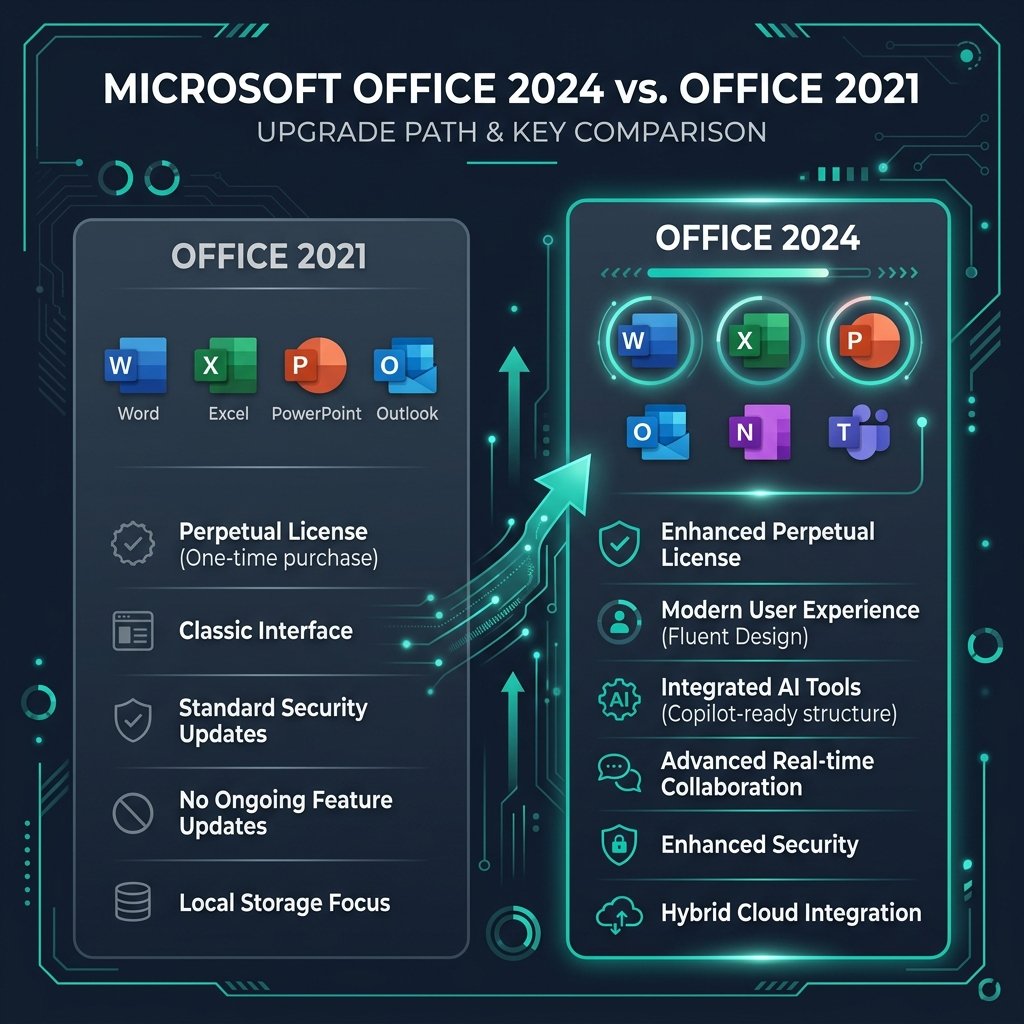
Ensure company documentation and financial ledgers run on commercial-licensed office software such as Office 2024 Home & Business. Consumer “Home & Student” editions explicitly forbid commercial use, invalidating compliance during insurance audits.
Windows 11 Professional Retail License Key
Lifetime genuine retail license for commercial use. Unlocks BitLocker AES-256 encryption, Windows Sandbox, Group Policy, and Hyper-V virtualization.
4. Security Matrix: Consumer/Pirated Software vs Genuine Pro Retail
Compare the operational realities of unverified software versus an authentic Windows 11 Pro deployment:
5. Practical Implementation: Auditing Your Fleet via PowerShell
IT administrators can rapidly verify software license legitimacy and security posture across endpoints by running administrative PowerShell diagnostics:
Command 1: Check Windows License Channel & Activation Status
Inspect the popup dialogue. Under Product Key Channel, it must state Retail or OEM:DM. If it displays VOLUME_KMSCLIENT on a non-enterprise network, unauthorized activation tools are present.
Command 2: Verify BitLocker Encryption Protection
The result must confirm ProtectionStatus: On and VolumeStatus: FullyEncrypted. For official administrative guidelines, review the Microsoft BitLocker Documentation.
6. Related Guides & Technical Resources
Explore our complete library of enterprise security architectures at the Sorted Keys Documentation Hub: