Microsoft Office 2024 Is Here: Everything You Need to Know

The release of Microsoft Office 2024 marks a significant milestone for enterprise IT managers, legal practices, financial analysts, and individual professionals seeking modern desktop productivity without the recurring overhead of cloud subscription software. While cloud-first services dominate the marketing landscape, millions of workstations require local, deterministic execution, absolute data sovereignty, and predictable budgeting. In this comprehensive technical review, we evaluate Office 2024’s performance upgrades, Excel calculation architecture, refreshed Fluent UI, and lifetime perpetual value.
Key Takeaways: Microsoft Office 2024 Review
- 100% Perpetual Ownership: Office 2024 Home & Business ($189.99) is a one-time lifetime license for PC or Mac, eliminating monthly recurring SaaS subscription costs.
- Dynamic Arrays & New Functions in Excel: Brings 14 new text and array manipulation functions (including
TEXTBEFORE,TEXTAFTER, and dynamic chart data referencing) from cloud releases into local desktop workbooks. - Modern Fluent Design & Accessibility: Updated natural styling compliant with Windows 11 design language, enhanced dark mode support across Word and Outlook, and OpenDocument Format (ODF) 1.4 support.
- Offline Sovereignty & Low Latency: Executes entirely on local silicon without external cloud dependencies, safeguarding sensitive documents against remote outage risks.
Table of Contents
- 1. Architectural Overview: The Perpetual Release Model in 2026
- 2. Key New Features: Word, Excel, PowerPoint & Outlook
- 3. Feature Comparison Matrix: Office 2024 vs. 2021 vs. Microsoft 365
- 4. Financial Engineering: 3-Year Total Cost of Ownership (TCO)
- 5. System Requirements & macOS Universal Binary Support
- 6. Step-by-Step Retail Activation & Account Binding
- 7. Related Guides & Technical Resources
- 8. Frequently Asked Questions
1. Architectural Overview: The Perpetual Release Model in 2026
For organizations operating in regulated environments—including healthcare clinics, legal chambers, auditing firms, and manufacturing facilities—constant feature churn and cloud synchronization introduce compliance liabilities. Microsoft recognized this demand by launching Office 2024 under the Long Term Servicing Channel (LTSC) and Retail perpetual channel.
Unlike cloud subscriptions that require periodic internet handshakes to validate licensing status, Office 2024 operates with a “locked-in-time” feature set. It receives monthly security patches and quality fixes directly through Windows Update without altering user interface workflows or deprecating macros. Official technical release notes can be verified via the Microsoft Learn Office 2024 Deployment Overview.
2. Key New Features: Word, Excel, PowerPoint & Outlook
Office 2024 incorporates the most refined capabilities developed across Microsoft’s productivity suite over the past three years:
- Excel 2024: Introduces dynamic chart referencing that automatically updates visual charts as dynamic array formulas expand. Includes 14 new text manipulation functions (
TEXTBEFORE,TEXTAFTER,TEXTSPLIT) and array reshaping commands (TOROW,TOCOL,CHOOSEROWS,CHOOSECOLS), dramatically simplifying complex workbook formulas. - Word 2024: Incorporates robust session crash recovery that re-opens all unclosed documents in their exact cursor state following an unexpected power outage. Enhanced dark mode extends deep canvas coloring across headers, margins, and document elements.
- PowerPoint 2024: Features native Cameo camera integration, allowing presenters to embed live webcam video feeds directly onto presentation slides. Adds recording studio capabilities with teleprompter view and slide transition timings.
- Outlook 2024: Enhanced search engine indexes messages, contacts, and calendar items with near-instant query returns. Introduces modernized meeting options and streamlined cross-mailbox navigation.
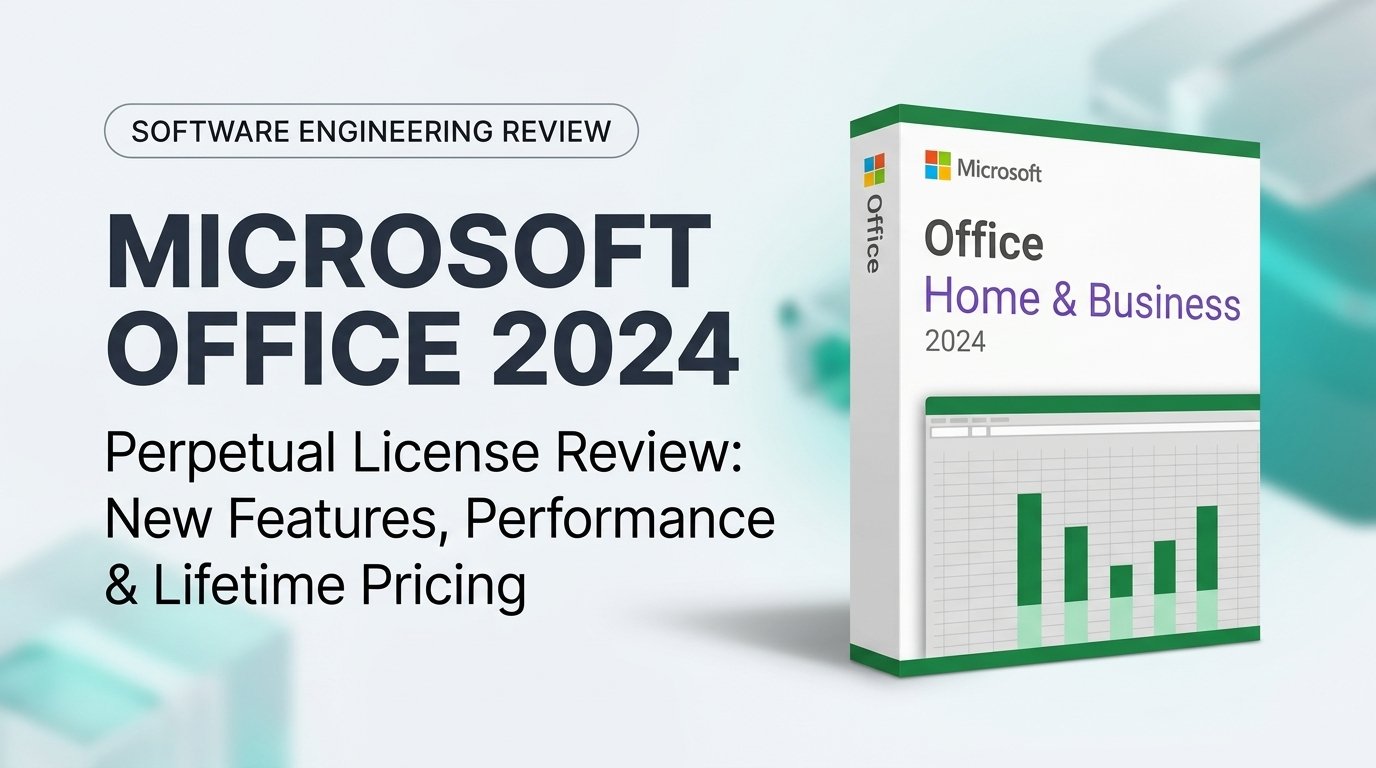
Microsoft Office 2024 Home & Business (PC / Mac)
Lifetime Commercial License • Word, Excel, PowerPoint, Outlook, OneNote • Zero Recurring Fees
3. Feature Comparison Matrix: Office 2024 vs. 2021 vs. Microsoft 365
Review the comprehensive architectural and feature comparison across Microsoft’s productivity editions:
| Feature / Component | Office 2024 Home & Business | Office 2021 Home & Business | Microsoft 365 Personal | Architectural Benefit |
|---|---|---|---|---|
| Billing Model | ✔ One-Time ($189.99) | One-Time (Legacy) | ✘ Recurring ($69.99/yr) | Zero recurring software liability |
| Dynamic Chart Referencing | ✔ Supported in Excel | ✘ Not Supported | ✔ Supported in Excel | Automated dynamic reporting models |
| ODF 1.4 Support | ✔ Full Specification | ODF 1.3 Only | ✔ Full Specification | Interoperability with open standards |
| PowerPoint Cameo Video | ✔ Embedded Live Feed | ✘ Not Supported | ✔ Embedded Live Feed | Modern interactive webinar delivery |
| Local Data Sovereignty | ✔ 100% On-Premises | ✔ 100% On-Premises | Cloud Sync Enforced | Compliance with strict GDPR / HIPAA |
4. Financial Engineering: 3-Year Total Cost of Ownership (TCO)
The economics of software licensing reveal why IT departments actively transition back to perpetual suites. Consider a small consulting office licensing 5 workstations over a standard 36-month hardware depreciation cycle:
- Microsoft 365 Business Standard: \$12.50 per user/month × 5 users × 36 months = \$2,250.00 in recurring operational expenditure.
- Office 2024 Home & Business Perpetual: \$189.99 per seat × 5 licenses = \$949.95 total one-time capital investment.
- Net Commercial Savings: \$1,300.05 saved (57.7% cash preservation) with zero vulnerability to mid-contract price increases or service disconnections.
5. System Requirements & macOS Universal Binary Support
Office 2024 is optimized for modern hardware architectures, delivering native compiled performance on both Windows and Apple Silicon architectures:
- Windows OS Support: Fully validated on Windows 11 Professional, Windows 11 Home, and Windows 10 (32/64-bit). Minimum 4 GB RAM and 4 GB free SSD storage.
- macOS Architecture: Ships as a Universal Binary with native compilation for Apple Silicon (M1, M2, M3, M4) and legacy Intel Macs. Supports the current release of macOS (macOS Sequoia) and the previous two versions (macOS Sonoma and macOS Ventura).
- Graphics Acceleration: Requires DirectX 10 compatible GPU on Windows and Metal-capable architecture on macOS for hardware-accelerated fluid transitions.
6. Step-by-Step Retail Activation & Account Binding
Deploying your perpetual Office 2024 license follows Microsoft’s streamlined digital entitlement procedure:
- Navigate to the Official Redemption Portal: Visit
setup.office.comusing your web browser. - Authenticate with Your Microsoft Account: Sign in using your organization or personal account. This permanently binds your digital entitlement to your profile.
- Input Your 25-Character Product Key: Enter your cryptographic retail license key to unlock your localized software installer.
- Download & Run the Click-to-Run (C2R) Installer: Launch the official setup binary to install Word, Excel, PowerPoint, Outlook, and OneNote. Upon first launch, the applications automatically verify status against Microsoft activation servers.
7. Related Guides & Technical Resources
Explore complementary guides from the Sorted Keys technical engineering repository:
New PC Setup Guide 2026
Step-by-step engineering walkthrough for clean OS installs and security hardening.
Complete SLMGR Commands Guide
Master command-line tools to audit and verify Windows activation channels.
Black Friday & Cyber Monday Deals
Compare pricing structures across Windows 11 and commercial software stacks.
Looking for deployment automation and enterprise activation documentation? Visit our comprehensive Sorted Keys Documentation Hub.
8. Frequently Asked Questions
Is Office 2024 Home & Business a one-time purchase or an annual subscription?
Office 2024 Home & Business is a 100% perpetual one-time purchase. Once redeemed and activated, you own the software permanently with zero recurring annual or monthly fees.
Does Office 2024 work on both Windows and Mac computers?
Yes. The retail license for Office 2024 Home & Business provides cross-platform entitlement for 1 PC or 1 Mac, compiling natively on both Intel and Apple Silicon (M1/M2/M3/M4) architectures.
Can I transfer my Office 2024 license to a new computer in the future?
Yes. Because genuine retail licenses from Sorted Keys bind directly to your Microsoft Account at setup.office.com, you can deactivate the software on your old workstation and reinstall it on a replacement PC or Mac.
Does Office 2024 require an active internet connection to function?
An internet connection is only required during initial download and activation. After activation, Word, Excel, PowerPoint, and Outlook operate completely offline without cloud dependencies.
How does Office 2024 differ from Office 2021?
Office 2024 introduces dynamic chart referencing, 14 new text and array functions in Excel, PowerPoint Cameo live webcam integration, enhanced document recovery in Word, and ODF 1.4 support, alongside a refined Fluent Design visual interface.