Summer PC Build Guide 2026: Best Budget Software Stack

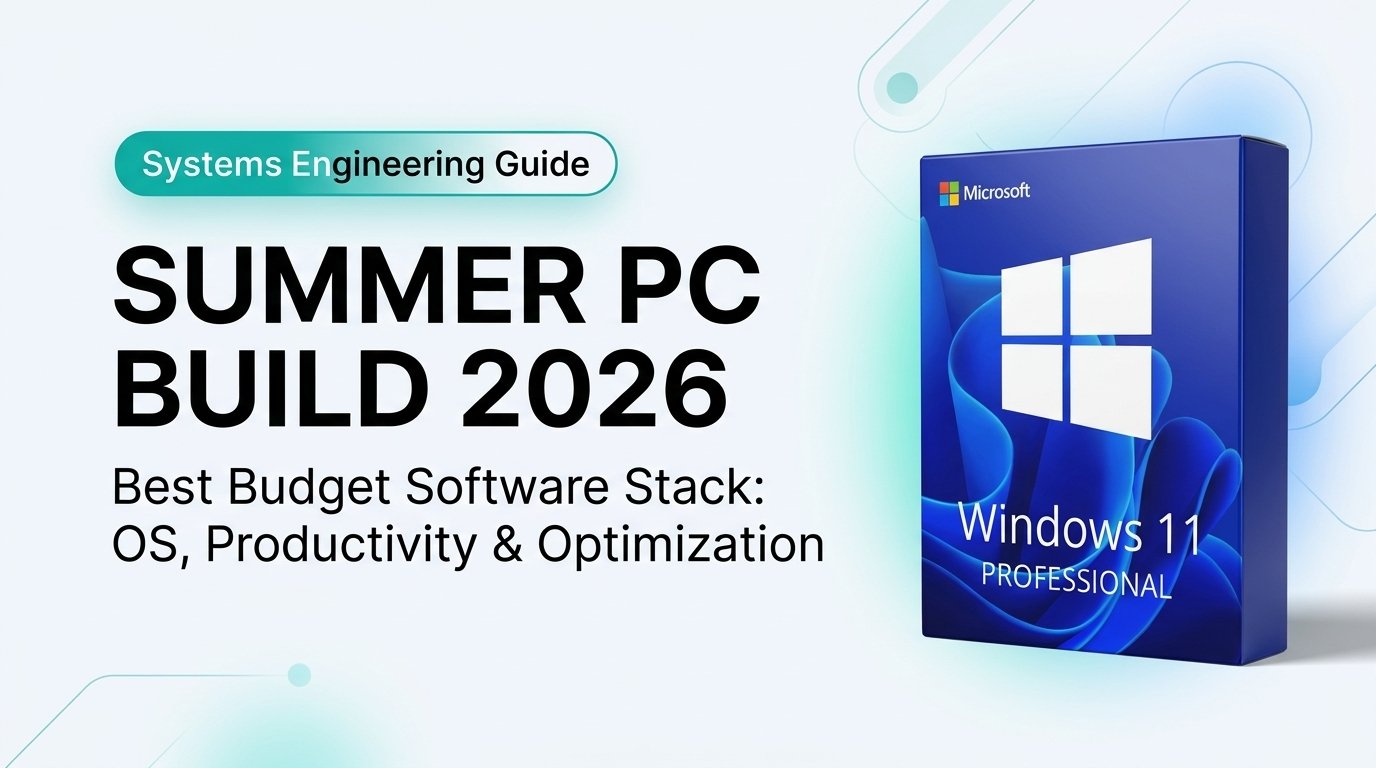
Assembling a custom gaming rig or high-performance workstation in summer 2026 is an exhilarating engineering project. Yet after budgeting for cutting-edge GPUs, high-speed DDR5 memory, and PCIe 5.0 NVMe storage, builders frequently treat their software stack as an afterthought. Installing unoptimized operating systems, relying on risky third-party activator scripts, or subscribing to recurring bloatware severely degrades hardware responsiveness. In this definitive 2026 guide, we outline the exact budget software stack required to unlock maximum stability, ironclad cybersecurity, and optimal frame pacing without draining your wallet.
Key Takeaways: Summer 2026 PC Build Software Stack
- Retail OS Over OEM Lock-in: Opting for an authentic Windows 11 Professional Retail Key ($35.99) guarantees permanent hardware transferability across future CPU and motherboard upgrades.
- DirectStorage & Gaming Optimization: Windows 11 24H2 delivers native DirectStorage 1.2 GPU asset decompression, eliminating game stutter on Gen 4 and Gen 5 NVMe drives.
- Perpetual Office Efficiency: Pairing your build with Office 2024 Home & Business ($367.00 lifetime) eliminates recurring monthly SaaS subscriptions permanently.
- Bloatware-Free Essential Utilities: Rely on native Windows Defender alongside open-source champions (7-Zip, HWInfo64, and VLC) rather than resource-heavy commercial trial suites.
Table of Contents
- 1. The 2026 PC Builder’s Dilemma: Hardware vs. Software Budgeting
- 2. Operating System Foundation: Why Windows 11 Pro Retail Dominates
- 3. Comparison Matrix: Windows 11 Pro Retail vs. Home vs. Grey OEM
- 4. The Complete 2026 Budget Software Stack
- 5. Step-by-Step Clean Installation & Driver Optimization Sequence
- 6. Related Guides & Technical Resources
- 7. Frequently Asked Questions
1. The 2026 PC Builder’s Dilemma: Hardware vs. Software Budgeting
A frequent mistake in custom PC assembly is allocating 98% of financial resources toward silicon and leaving software licensing to chance. Many builders resort to grey-market OEM keys or unauthorized KMS emulators found on community forums. As detailed in our security research, running unauthorized activators injects unverified binaries into the Windows kernel, triggering Defender telemetry silences and creating backdoor access points.
Furthermore, standard OEM licenses permanently bind to the original motherboard’s unique hardware hash (UUID). The moment you upgrade your motherboard, swap chipsets, or flash a modified BIOS, OEM licenses deactivate permanently. A legitimate Retail channel license, by contrast, binds directly to your Microsoft Account, providing lifetime license transferability across every hardware refresh you ever perform.
2. Operating System Foundation: Why Windows 11 Pro Retail Dominates
For custom PC builders in 2026, Windows 11 Professional offers fundamental architectural advantages over the entry-level Home edition:
- BitLocker Drive Encryption: Automatically encrypts NVMe game drives and secondary storage volumes using TPM 2.0 silicon handshakes, preventing data extraction if an internal drive is physically stolen.
- Windows Sandbox & Hyper-V: Provides an isolated, disposable sandbox environment where builders can test experimental game mods, benchmarking utilities, and script tools without risking host OS contamination.
- Group Policy Control (gpedit.msc): Enables granular suppression of telemetry, automated driver overwrites from Windows Update, and background cortana/co-pilot services that interfere with frame times.
- DirectStorage 1.2 Acceleration: Natively streams compressed gaming assets directly from PCIe 4.0/5.0 NVMe drives to the GPU VRAM, bypassing CPU bottlenecks. Official architectural specs can be reviewed at Microsoft Learn Gaming Technologies.
Windows 11 Professional Retail License
Lifetime License • BitLocker & Sandbox • Transferable Across Future Motherboard Upgrades
3. Comparison Matrix: Windows 11 Pro Retail vs. Home vs. Grey OEM
Evaluate the technical and legal capabilities between licensing options for your custom summer build:
| Feature / Capability | Windows 11 Pro (Retail) | Windows 11 Home | Grey-Market OEM Key | Architectural Value |
|---|---|---|---|---|
| Store Price | ✔ $35.99 (Verified) | $33.99 | $10–$15 (Unverified) | Guaranteed genuine retail license |
| Hardware Portability | ✔ Yes (Account Linked) | ✔ Yes (Retail Tier) | ✘ No (Motherboard Locked) | Survives future motherboard upgrades |
| Windows Sandbox & Hyper-V | ✔ Fully Supported | ✘ Not Available | Supported (If Pro) | Safe isolated mod and script testing |
| BitLocker Disk Encryption | ✔ Full 256-bit AES | ✘ Basic Device Encryption Only | Supported | Complete NVMe and external drive security |
| Revocation & Audit Risk | ✔ 0% Risk (Partner Sourced) | ✔ 0% Risk | ✘ High (MS Deactivations) | Permanent peace of mind |
4. The Complete 2026 Budget Software Stack
To avoid spending hundreds of dollars on recurring software, build your software suite around these four carefully engineered tiers:
Tier 1: Foundational OS & Core Security
- OS: Windows 11 Professional Retail ($35.99).
- Antivirus: Microsoft Defender with Core Isolation & Memory Integrity enabled. Modern Defender scores 100% detection on AV-TEST benchmarks without consuming 2 GB of RAM or generating intrusive upselling popups.
Tier 2: Perpetual Productivity & Office
- Productivity Suite: Office 2024 Home & Business ($367.00). Includes lifetime desktop licenses for Word, Excel, PowerPoint, and Outlook. Zero recurring subscription liability.
Tier 3: Free & Open-Source Daily Drivers (FOSS)
- Archive Manager: 7-Zip (Replaces bloated, nagware commercial trial tools).
- Media Playback: VLC Media Player (Zero codecs to download; plays all 4K HEVC / AV1 containers).
- Document Viewer: Native Edge Chromium PDF reader or SumatraPDF.
Tier 4: Hardware Monitoring & Benchmarking
- Hardware Telemetry: HWiNFO64 (Accurate sensor polling for VRM, GPU hotspot, and memory junction temps).
- GPU Tuning: MSI Afterburner (Clean fan curve configuration and GPU undervolting).
- Drive Health: CrystalDiskInfo (Tracks NVMe TBW health, PCIe link speed, and thermal throttling).
Complete Your Custom Build Software Library:
Upgrade your productivity alongside your hardware with genuine lifetime licenses:
5. Step-by-Step Clean Installation & Driver Optimization Sequence
Installing software in the correct order prevents driver conflicts and micro-stutters. Follow this battle-tested systems engineering checklist:
- Create Official Media Creation Tool USB: Download the official installation image directly from Microsoft’s Windows 11 ISO portal. Never use third-party pre-activated ISOs.
- BIOS / UEFI Verification: Boot into UEFI, enable XMP/EXPO memory profiles, set PCIe link speeds to Gen 4/5, and verify that Secure Boot and fTPM/dTPM 2.0 are active.
- Clean Drive Partitioning: Select your primary NVMe drive, delete all existing partitions until it reads Unallocated Space, and proceed with the installation.
- Motherboard Chipset Drivers First: Before connecting to the web or letting Windows Update run generic drivers, install official AMD or Intel chipset drivers directly from the manufacturer.
- Dedicated GPU Driver: Download the latest NVIDIA Game Ready Driver or AMD Adrenalin package. Select “Custom Installation” and perform a Clean Install.
- Redeem Retail Key: Open Settings > System > Activation > Change Product Key and input your Sorted Keys genuine retail license to establish your lifetime digital license.
6. Related Guides & Technical Resources
Continue your build optimization with our in-depth hardware and software engineering guides:
🛠️ New PC Setup Guide 2026
Complete walkthrough for configuring fresh Windows installs, security hardening, and eliminating bloatware.
Read Setup Guide →⚠️ Risks of Crack Activators
Understand how unauthorized activator scripts compromise kernel security and invite malware.
Read Security Advisory →📚 Central Documentation Hub
Explore all technical licensing manuals, hardware compatibility matrices, and troubleshooting steps.
Visit Documentation Hub →7. Frequently Asked Questions
Can I transfer my Windows 11 Pro key to a new motherboard later?
Yes. Genuine Retail channel licenses purchased from Sorted Keys link to your Microsoft Account, allowing you to transfer your activation to new hardware whenever you upgrade your CPU or motherboard.
Do I need to buy third-party antivirus for my new PC build?
No. Windows 11 includes Microsoft Defender built-in. When combined with TPM 2.0, Secure Boot, and Memory Integrity enabled in Windows 11 Pro, it provides top-tier protection without degrading gaming framerates.
Does Windows 11 Pro provide better gaming performance than Home?
Raw gaming framerates are identical on both editions. However, Windows 11 Pro gives you Group Policy controls to disable background updates, defer telemetry, and run isolated sandboxes, ensuring smoother 1% low frame pacing.
What is the difference between Retail and OEM keys for PC builders?
OEM keys permanently fuse to the motherboard upon initial activation and cannot be moved if the motherboard fails or is upgraded. Retail keys provide full portability and direct Microsoft support rights.
When should I enter my product key during a new PC build?
You can enter the key during initial Windows setup, or click “I don’t have a product key” during installation and activate it later in Settings > System > Activation once drivers are installed.